
Master every tool in EXILEFILTER PRO
EXILEFILTER PRO brings together your loot filter, your builds, the game catalog, the official economy and the Astra assistant. Search for what you want to do or start with one of the journeys. Each card opens the real tool without losing your game, language or work.
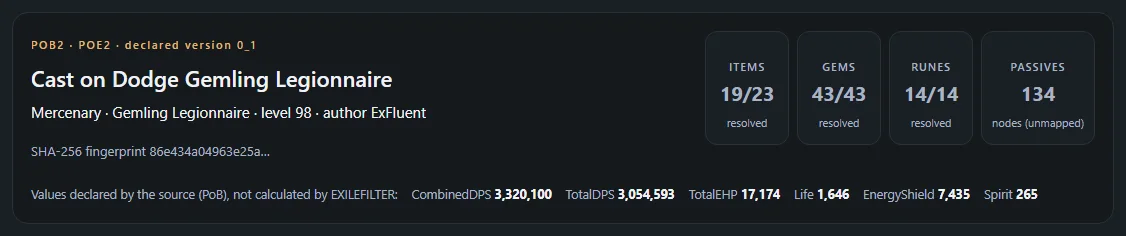
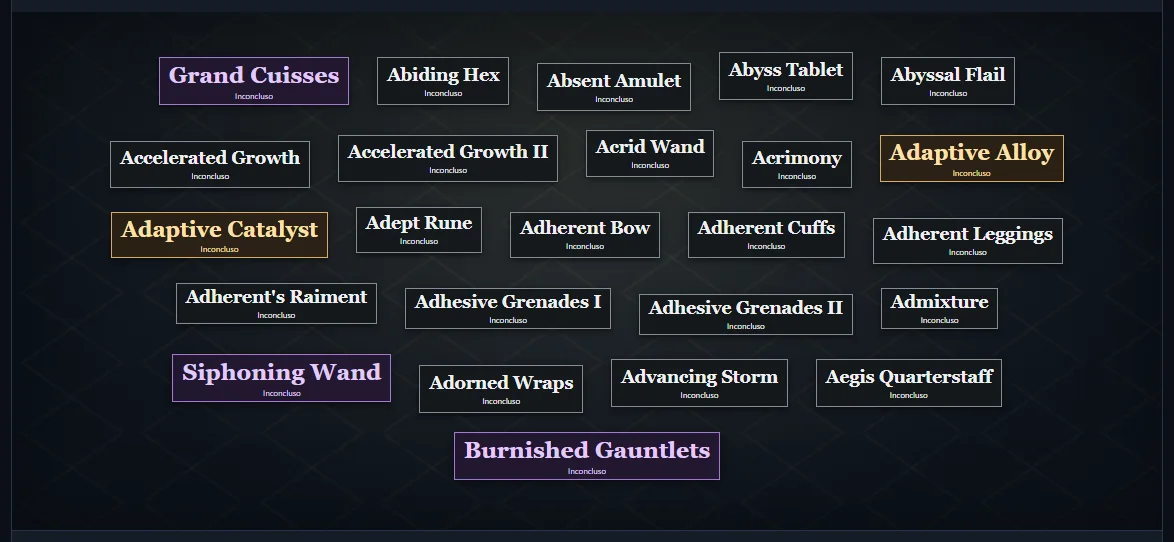
Real capture of EXILEFILTER PRO (2026-11-11).
Start here
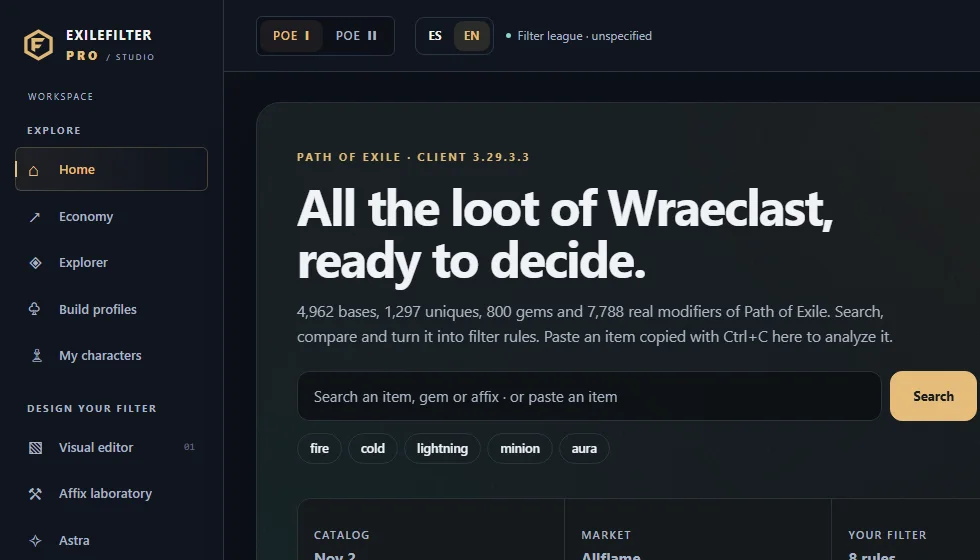
Create a filter from a template, test it in the simulator and export it. You do not need to import anything.
See the journey →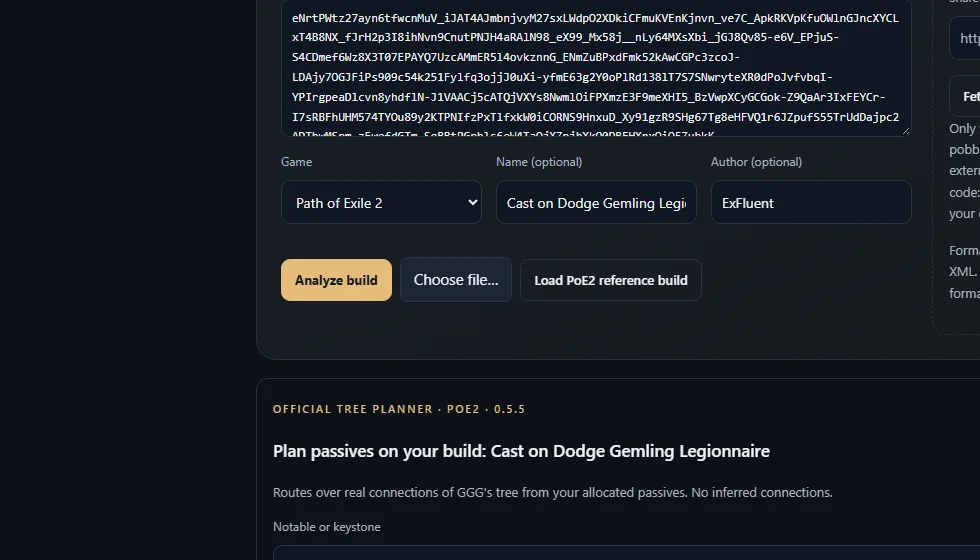
Import it with its code, review the analysis and generate a rule group for your filter.
See the journey →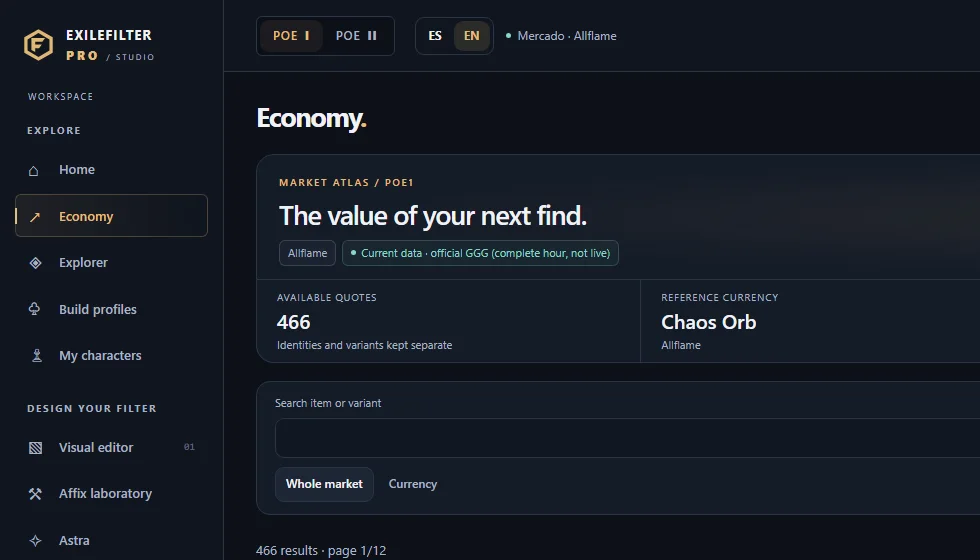
Economy shows official GGG prices per league and closed hour, with their date.
See the journey →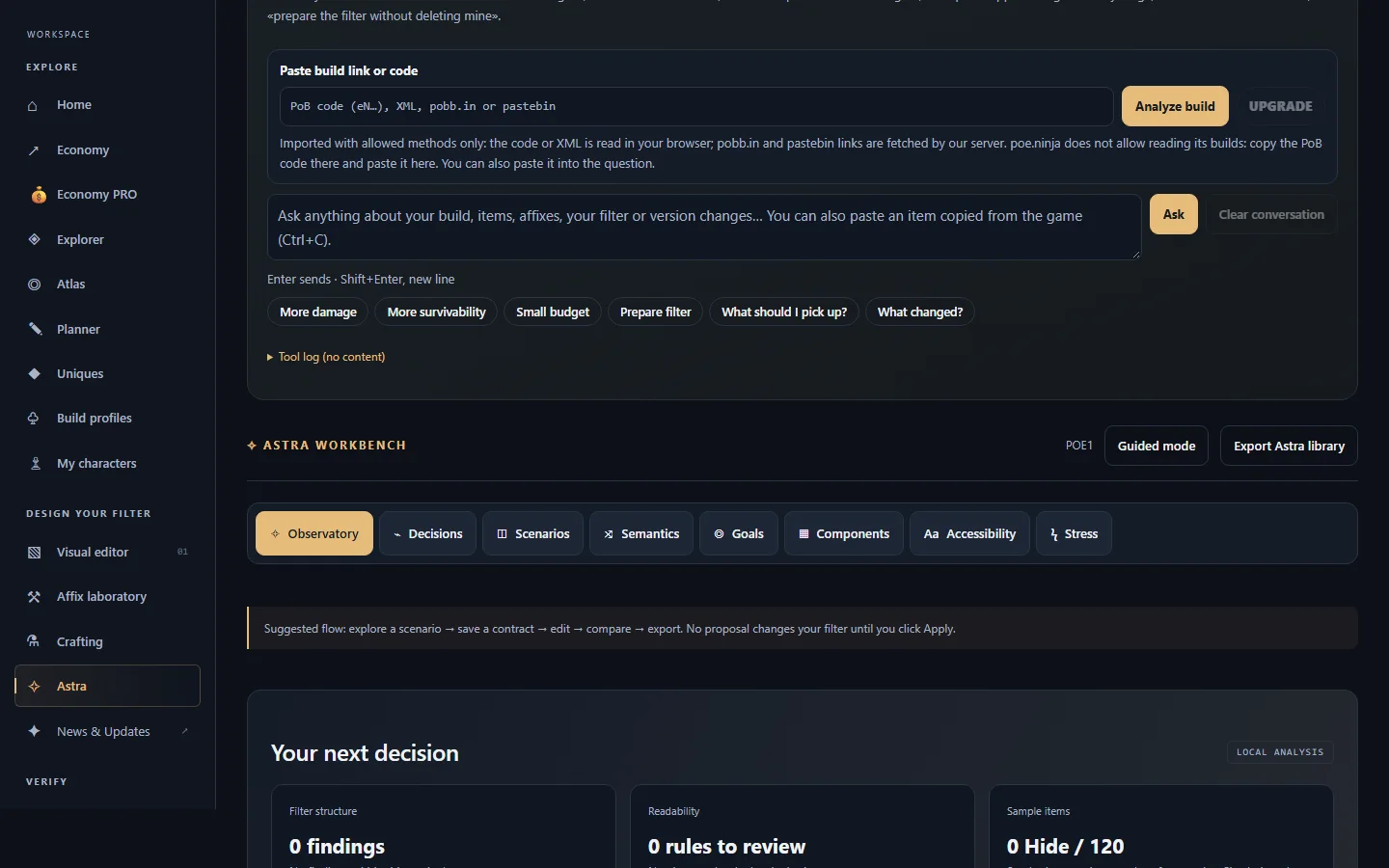
What it can answer, when it needs a build and how to approve its proposals.
See Astra →Platform map
The four groups of the EXILEFILTER PRO menu and how they connect.
01Explore
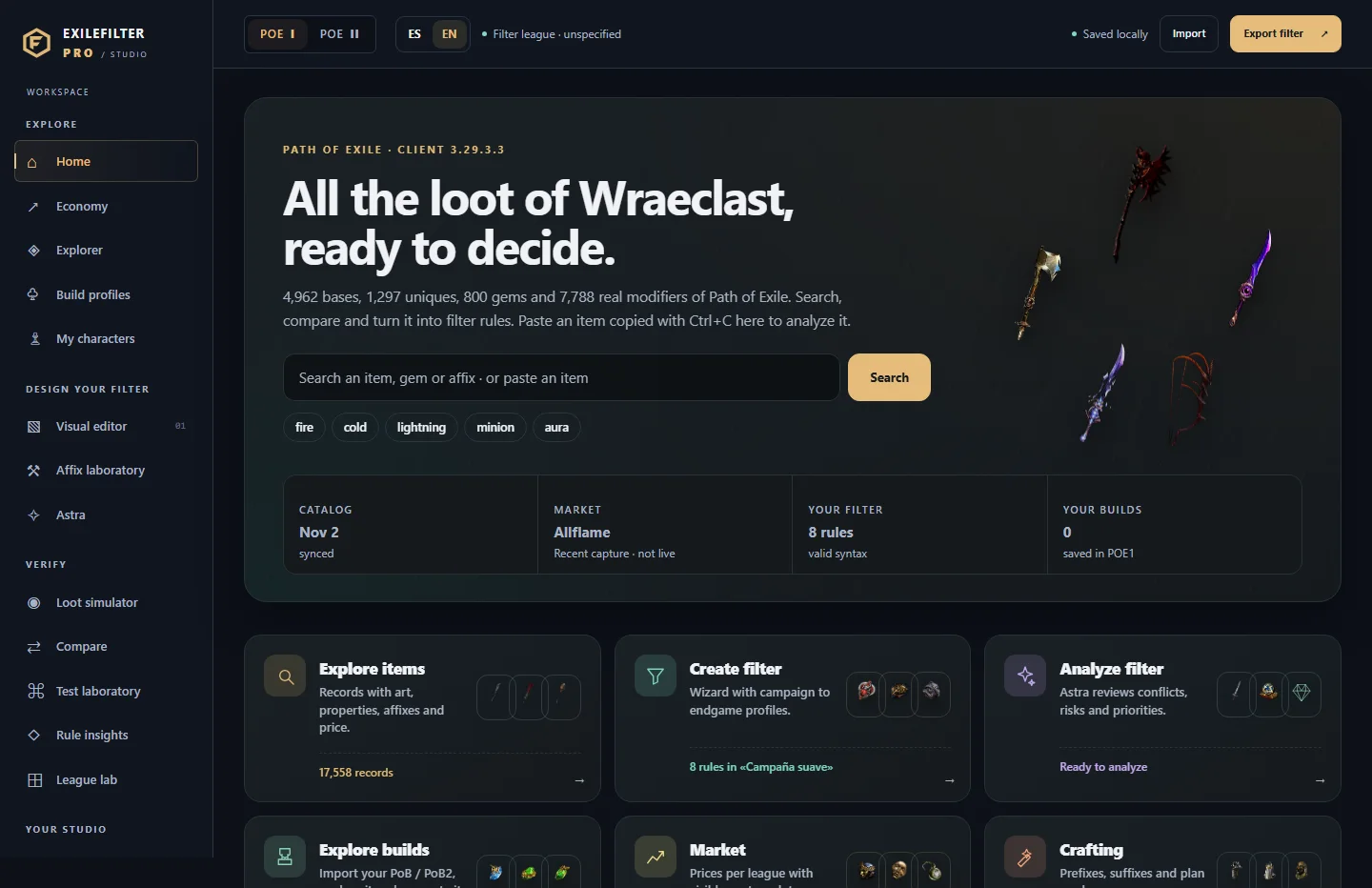 HomeStarting point: search the real catalog and jump to each tool.
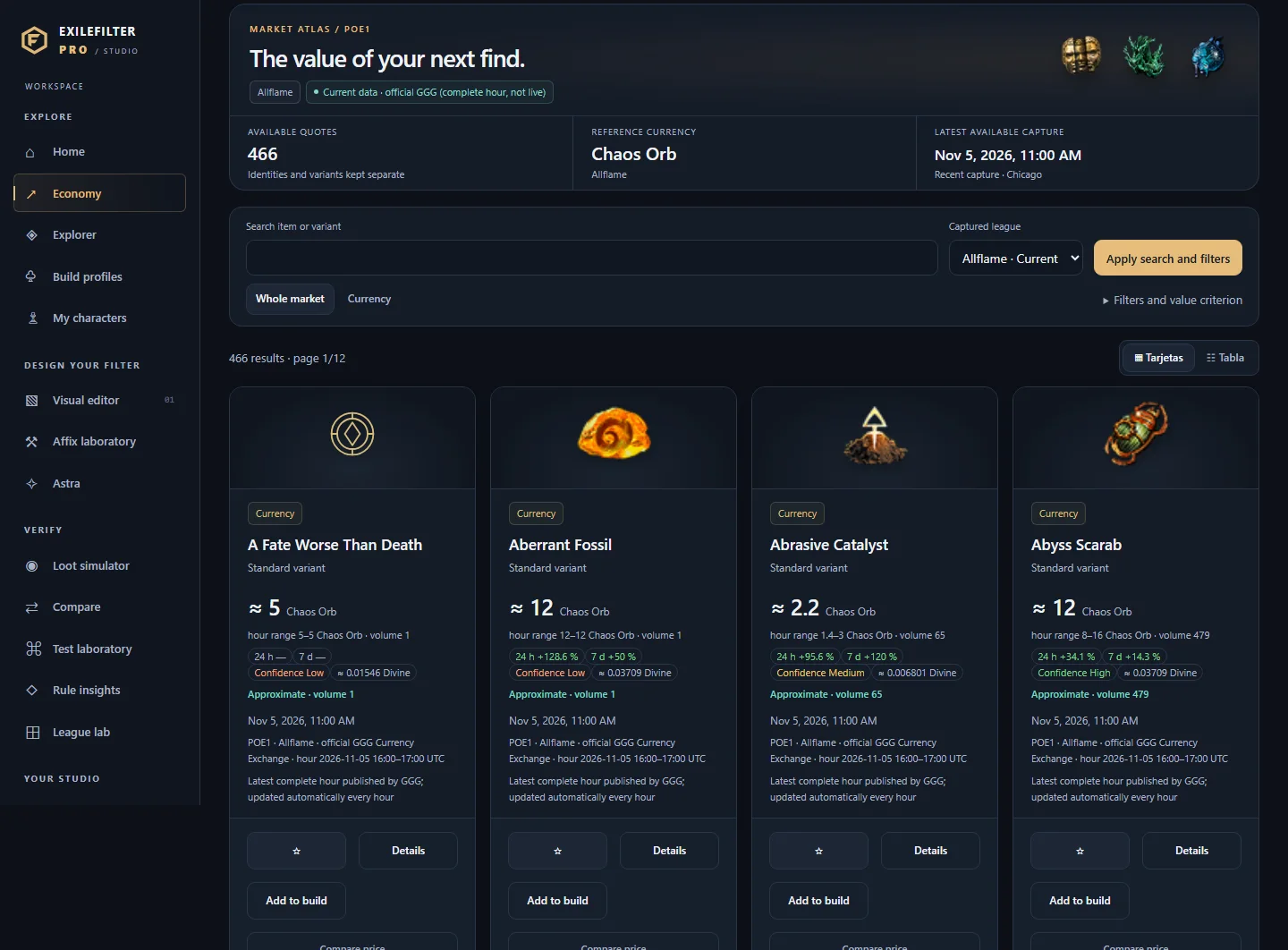 EconomyCheck and compare official currency prices per league, with date and provenance, and take them to your builds or to a tiered filter.
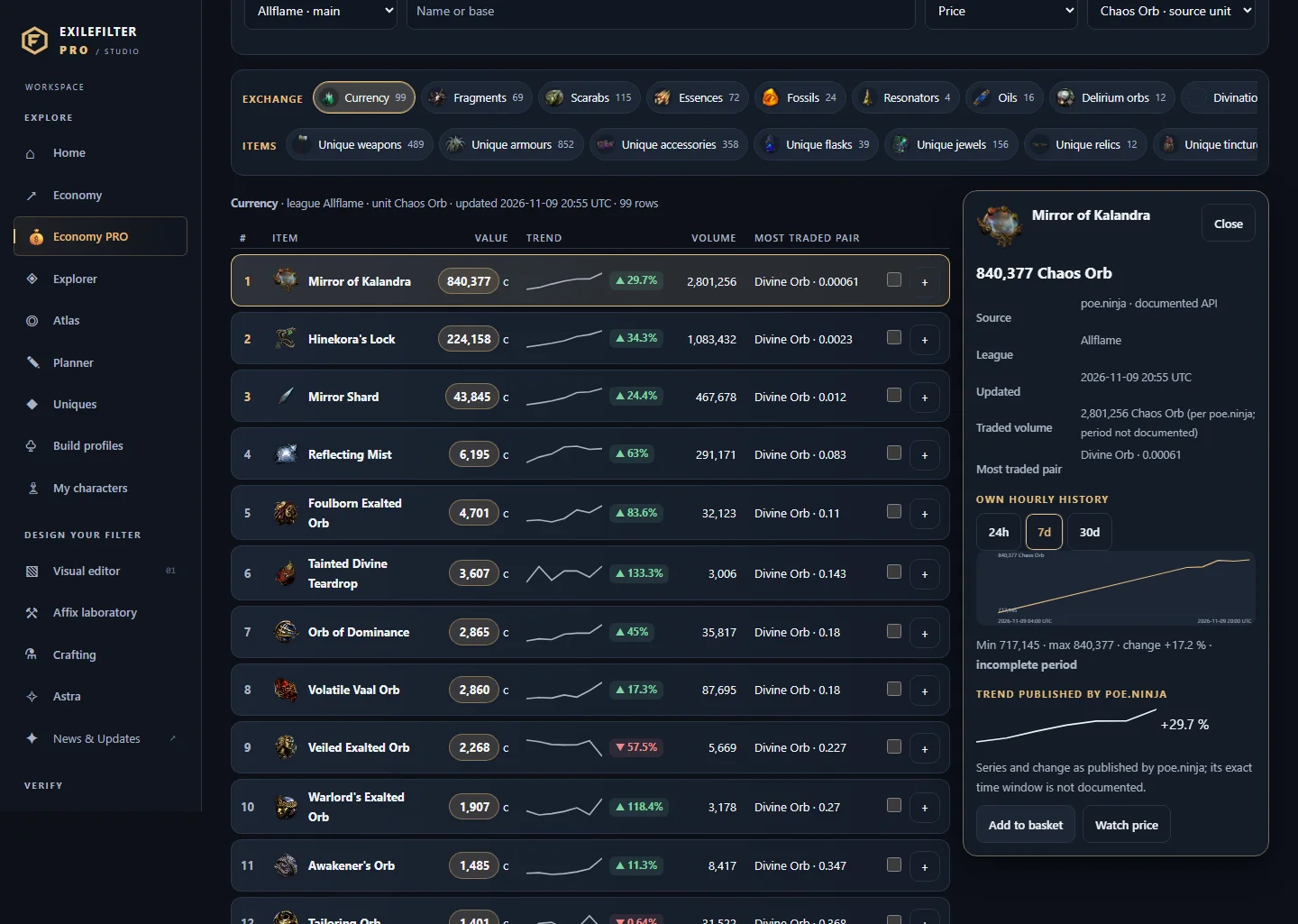 Economy PROSee poe.ninja prices per category and league (currency, uniques, gems, fragments…) with trend, listings and confidence, and take them to your budget, an upgrade basket or a price watch.
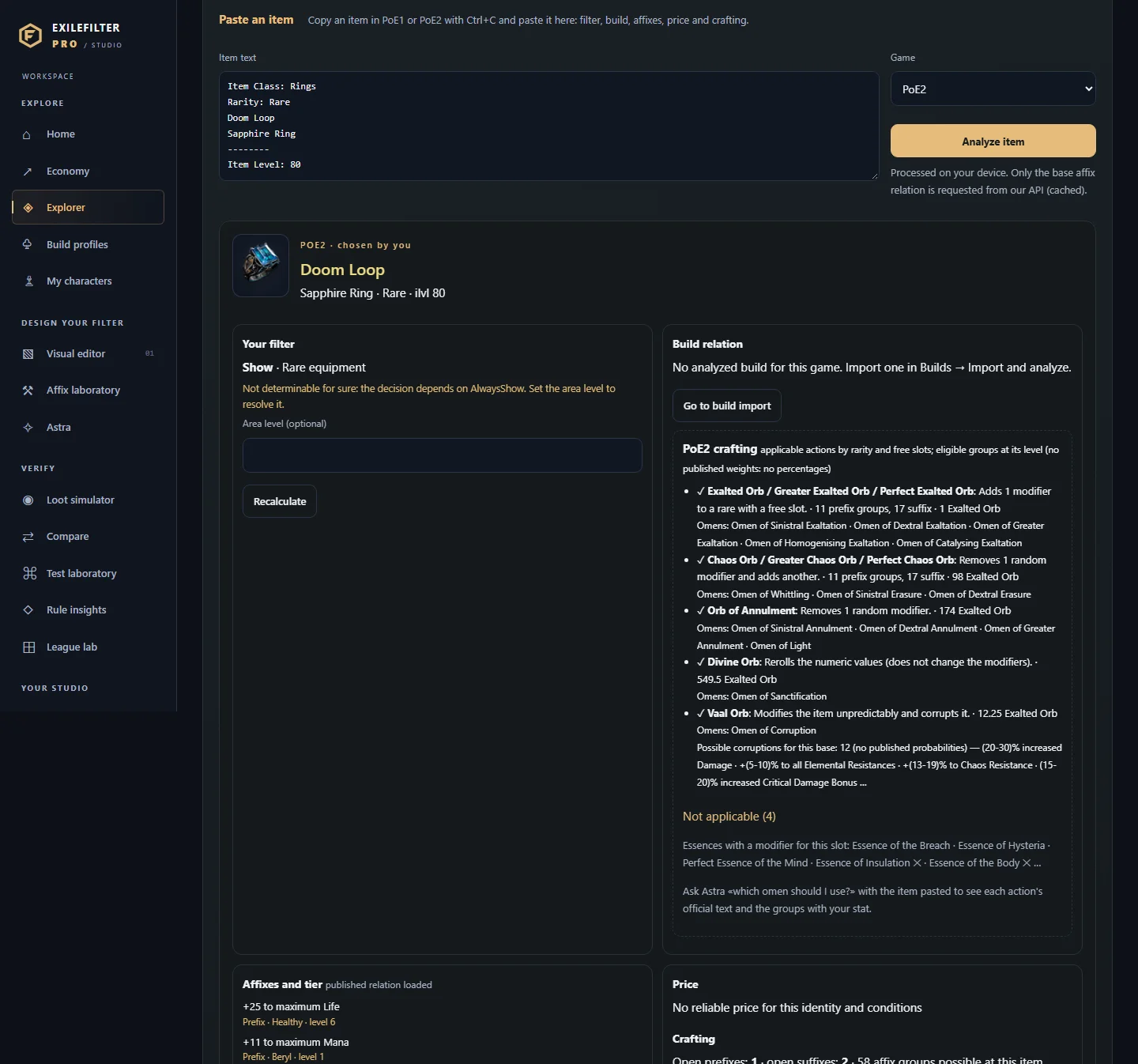 ExplorerLook up real bases, uniques, gems and affixes, and analyze an item copied from the game.
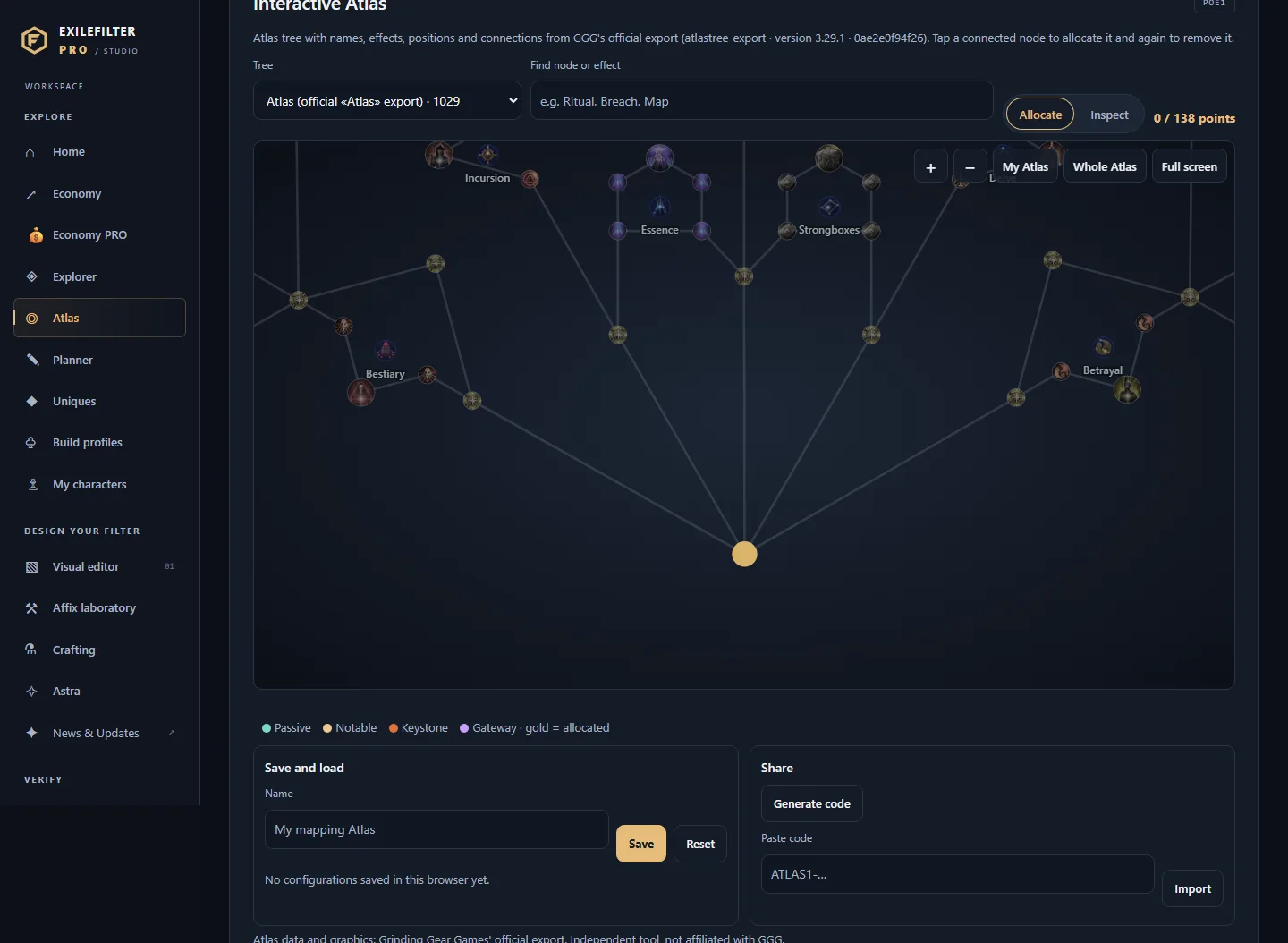 AtlasPlan the PoE1 or PoE2 Atlas tree (pick nodes, see their effects added up, save or share the plan with a link) and value your PoE1 and PoE2 farming strategies at the prices of this hour.
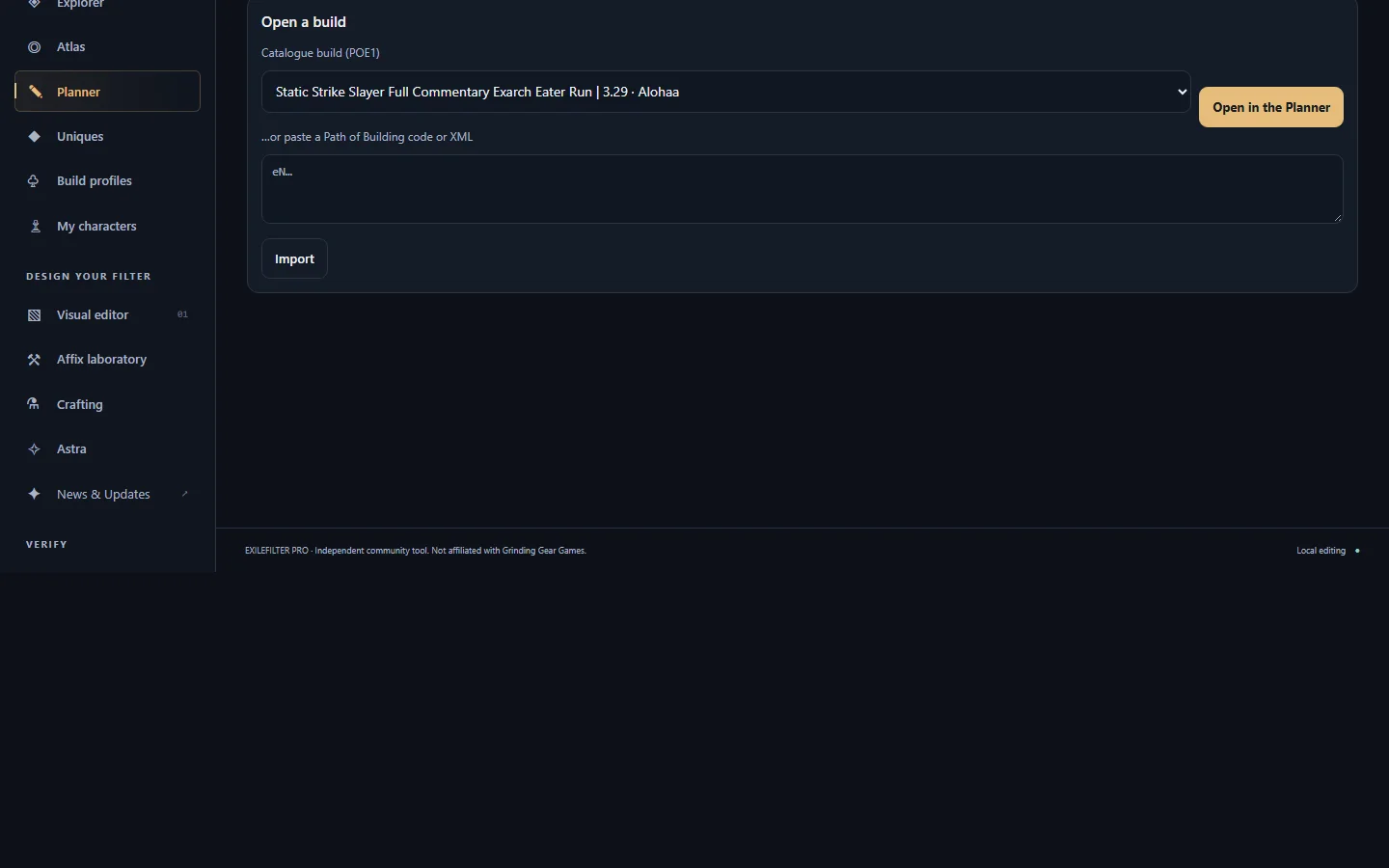 PlannerOpen a catalogue build or your PoB code and adjust gems, gear and passives before exporting it as a Path of Building code.
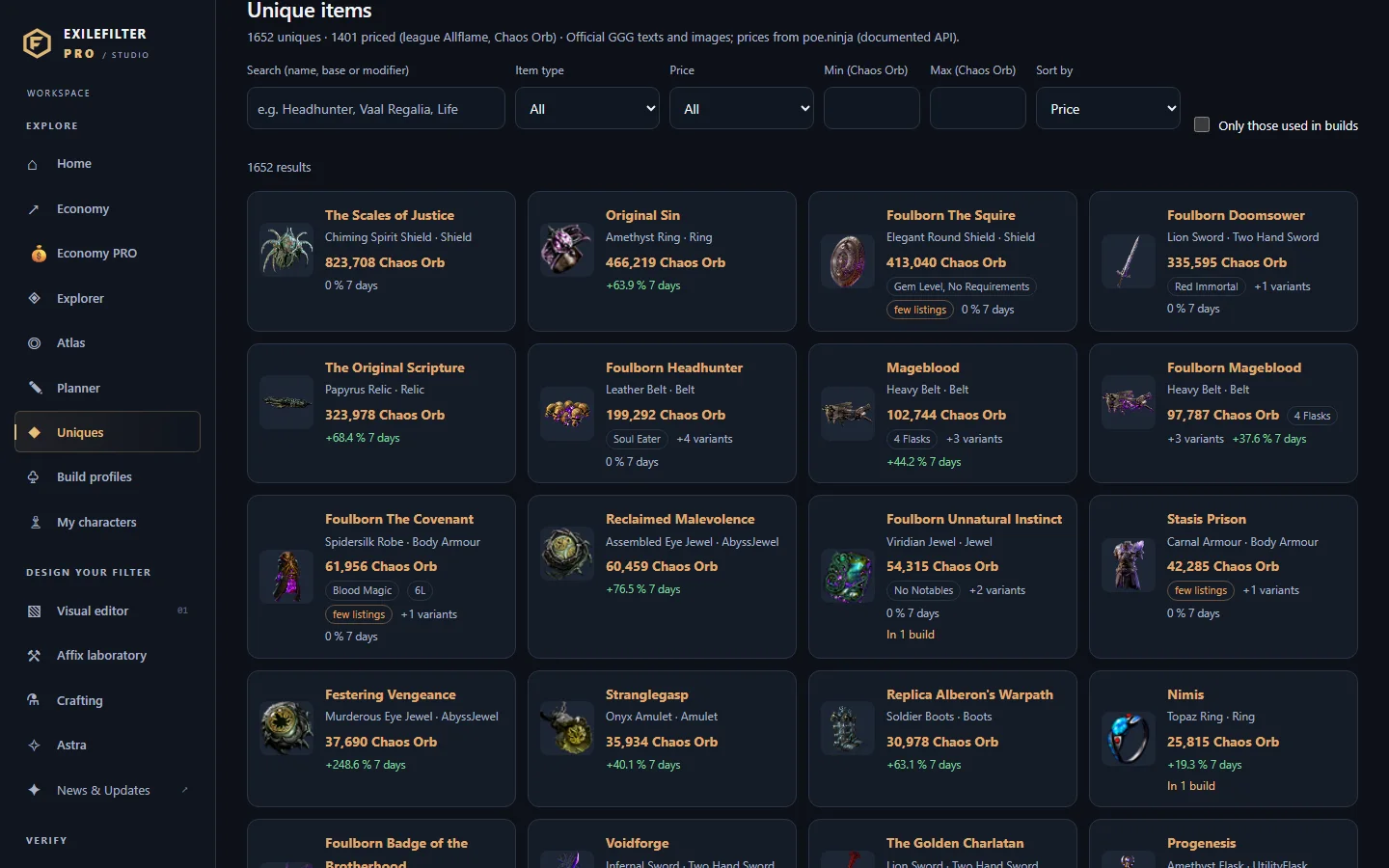 UniquesSearch PoE1 and PoE2 uniques by name, base, slot or modifier, with their poe.ninja price when there is one and the catalogue builds that use them.
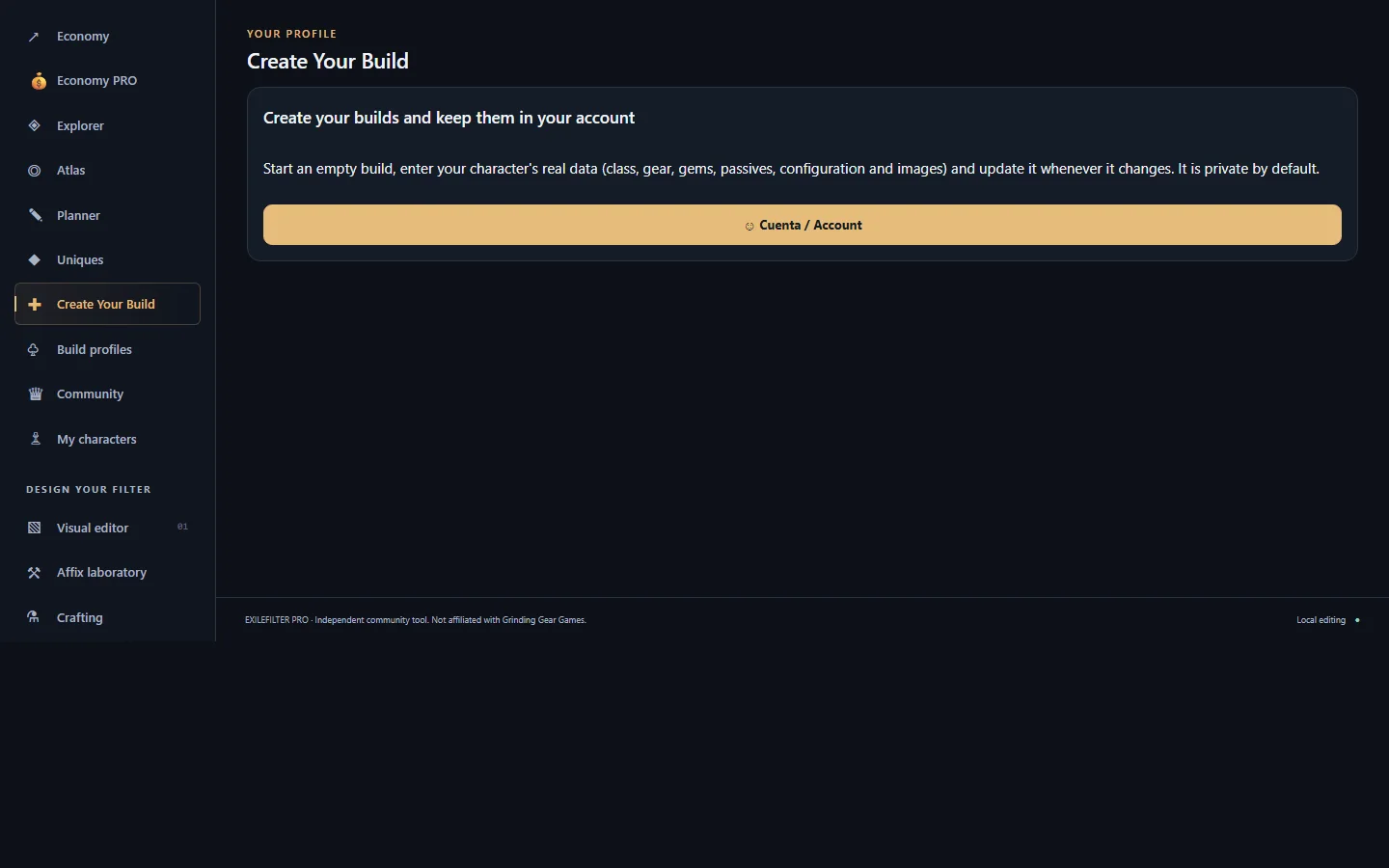 Create Your BuildYour own PoE1 or PoE2 build created from scratch with your character's real data: class, ascendancy, level, gear, gems, passive tree, Atlas, campaign rewards, configuration and images, calculated with Path of Building.
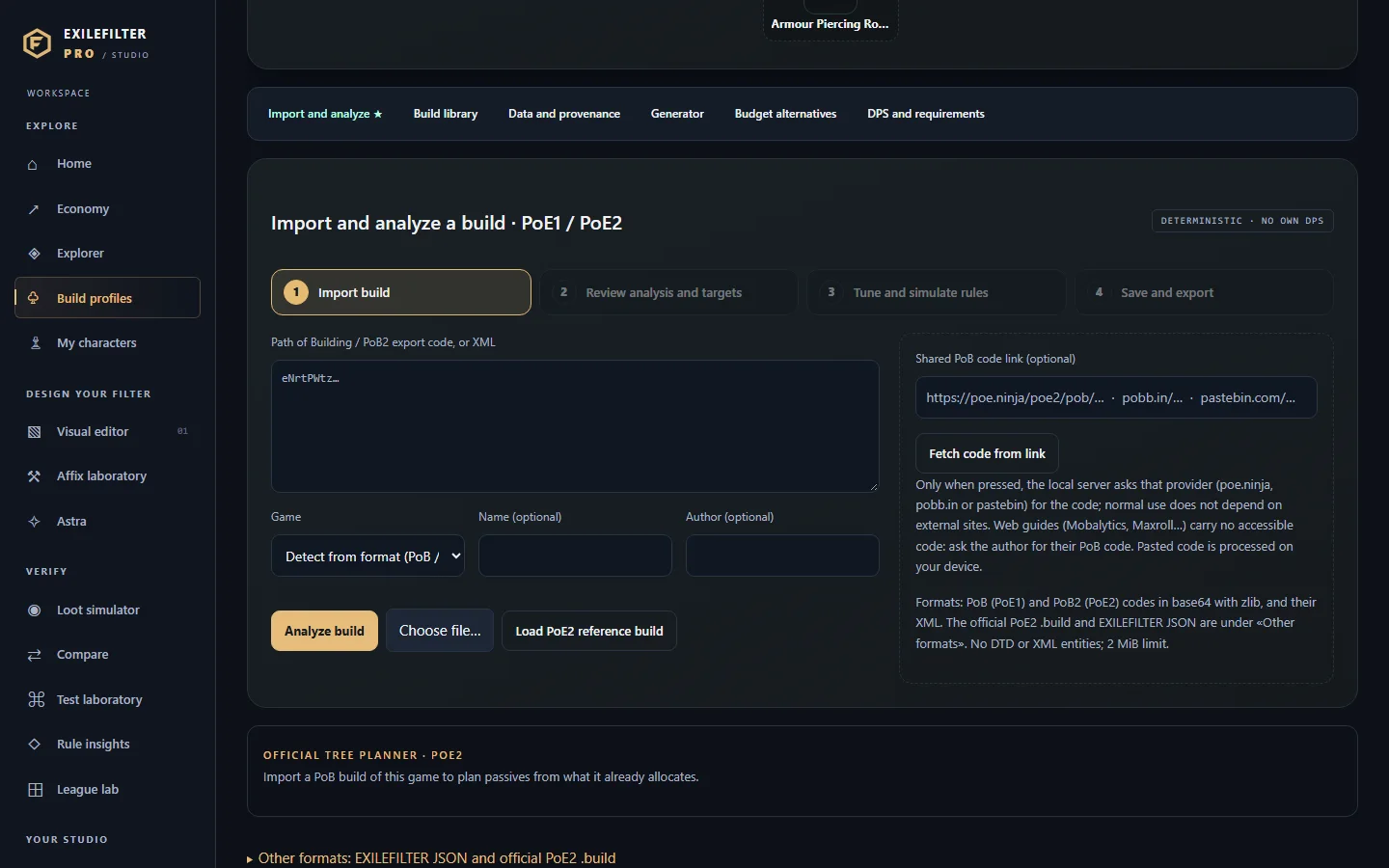 Build profilesImport your Path of Building build, understand what gear it needs and turn it into filter rules.
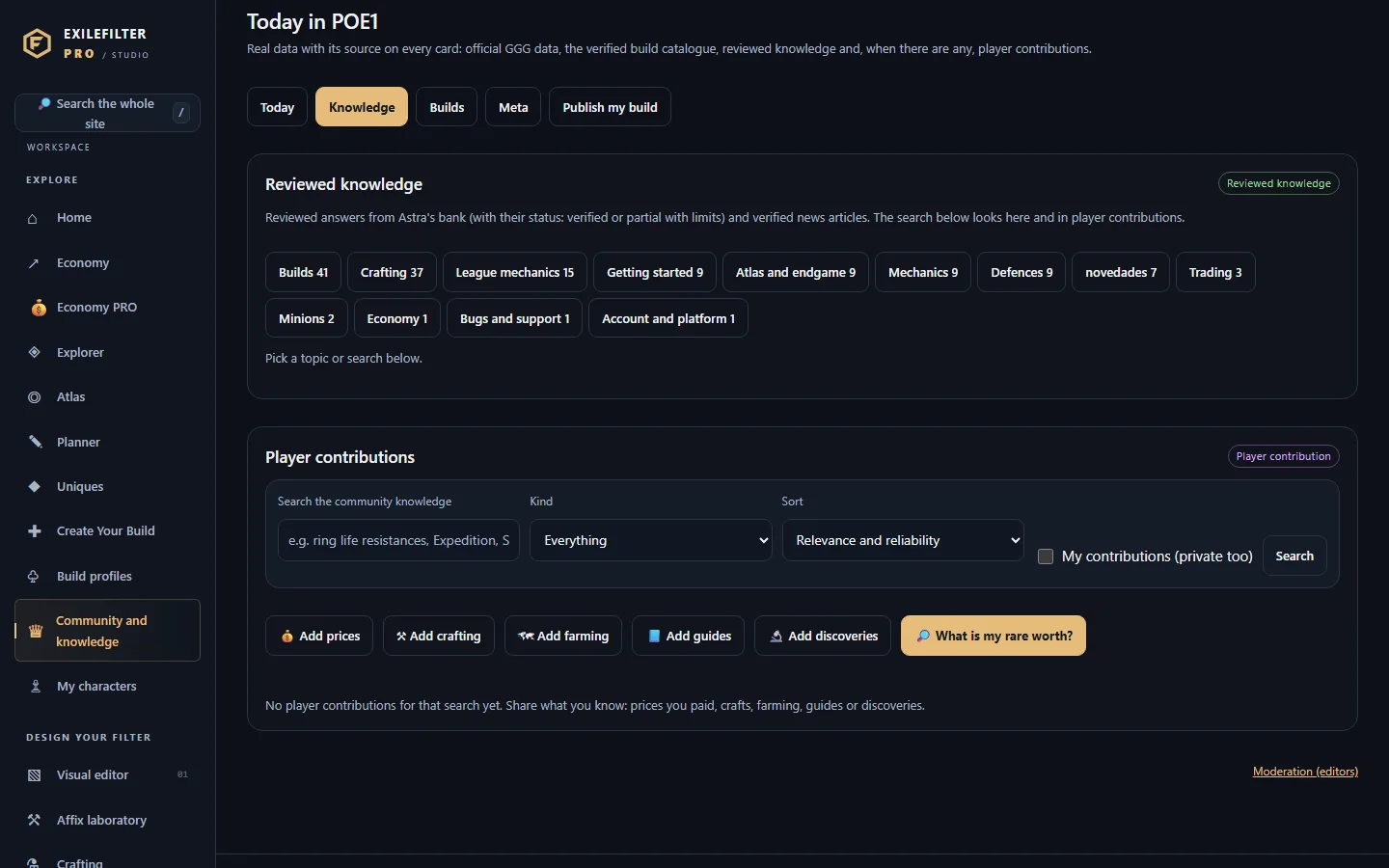 Community and knowledgeWhat EXILEFILTER PRO knows about PoE1 and PoE2, with its source always visible: the «Today» front page, reviewed knowledge and creator recommendations, verified catalogue builds and builds published by players, the catalogue meta and contributions of prices, crafts, farming, guides and discoveries.
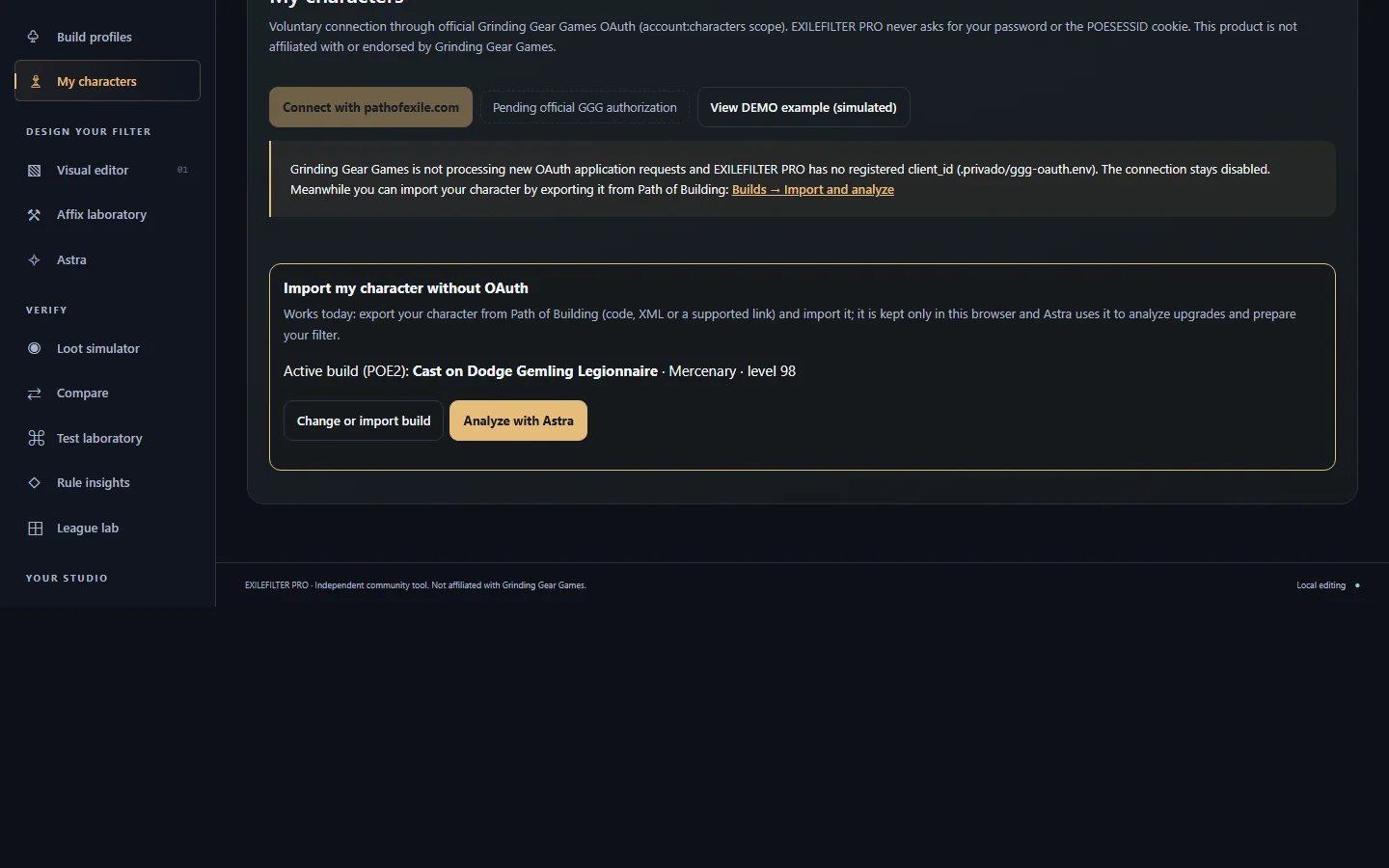 My charactersUse your character as the starting point for loot targets and a filter.
02Design your filter
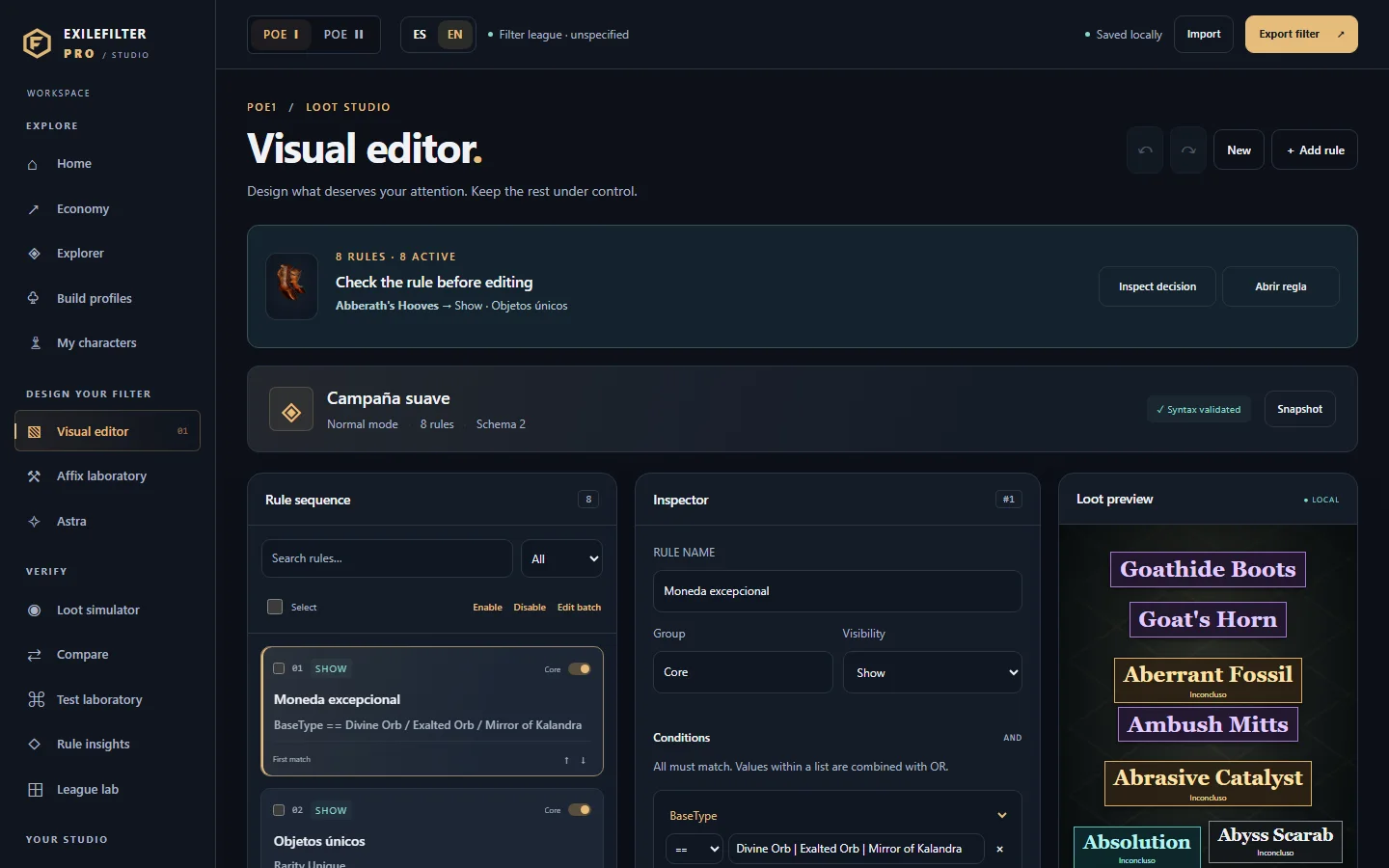 Visual editorCreate and edit your filter's Show/Hide rules: conditions, colours, sizes and sounds.
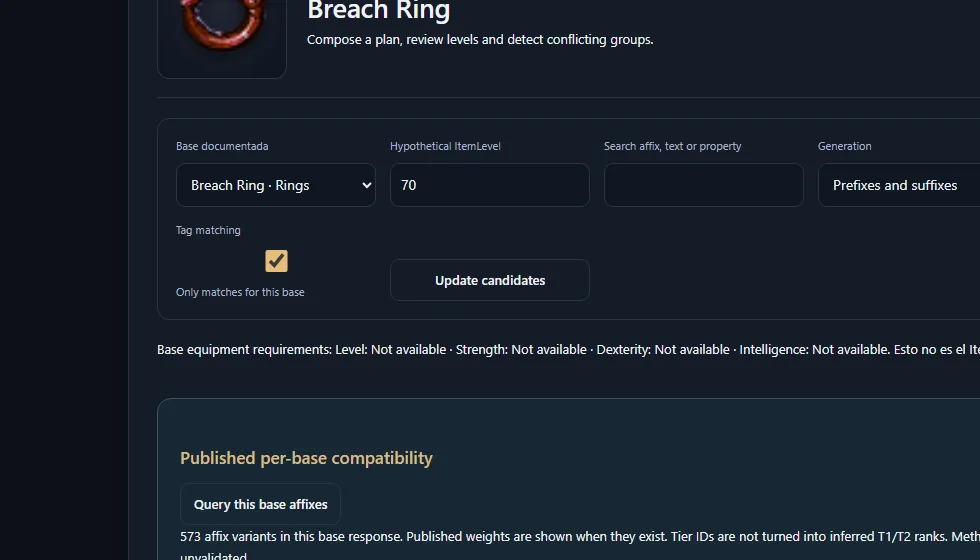
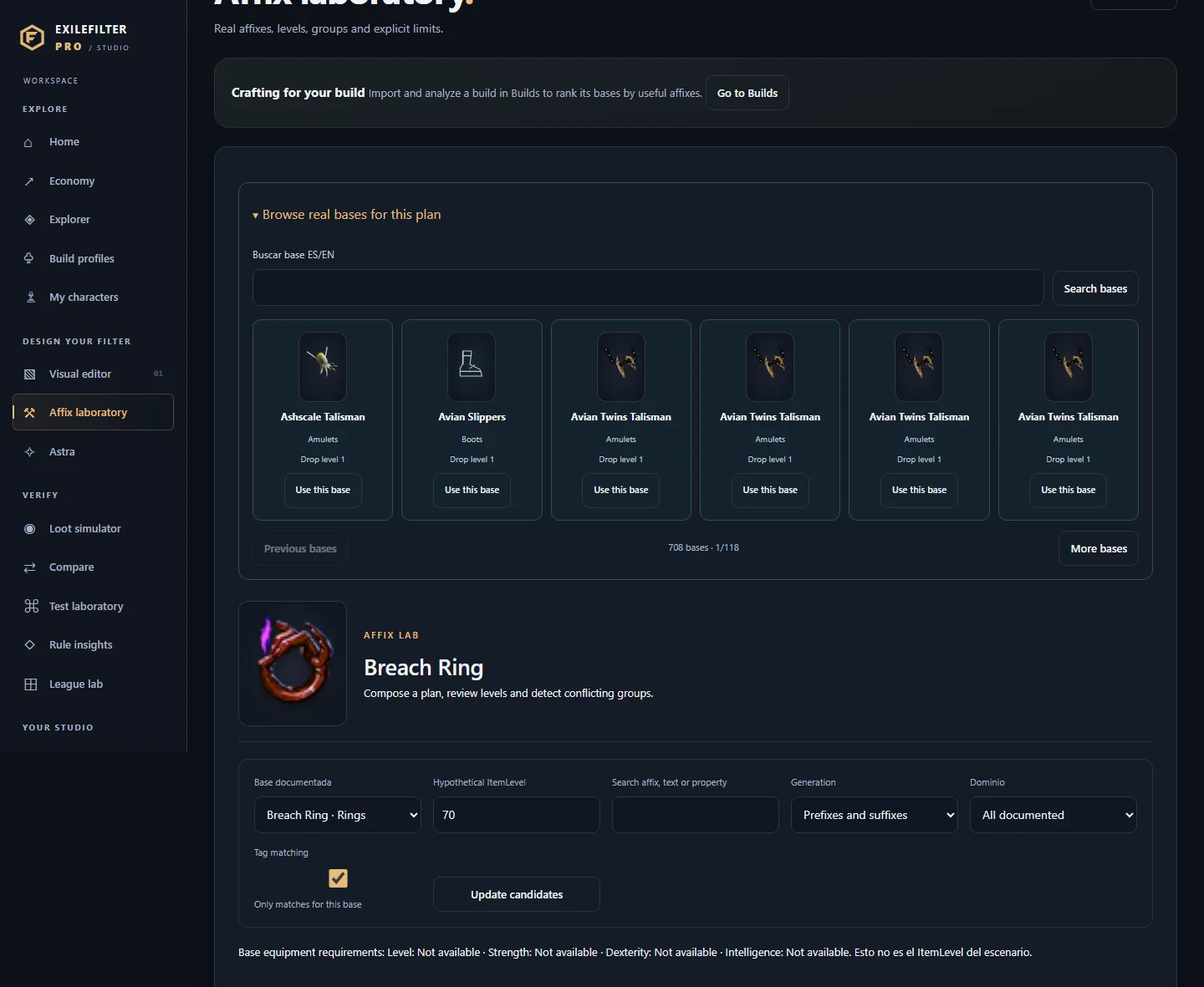 Affix laboratorySee which affix groups can roll on a base at an item level and rank your build's rare bases.
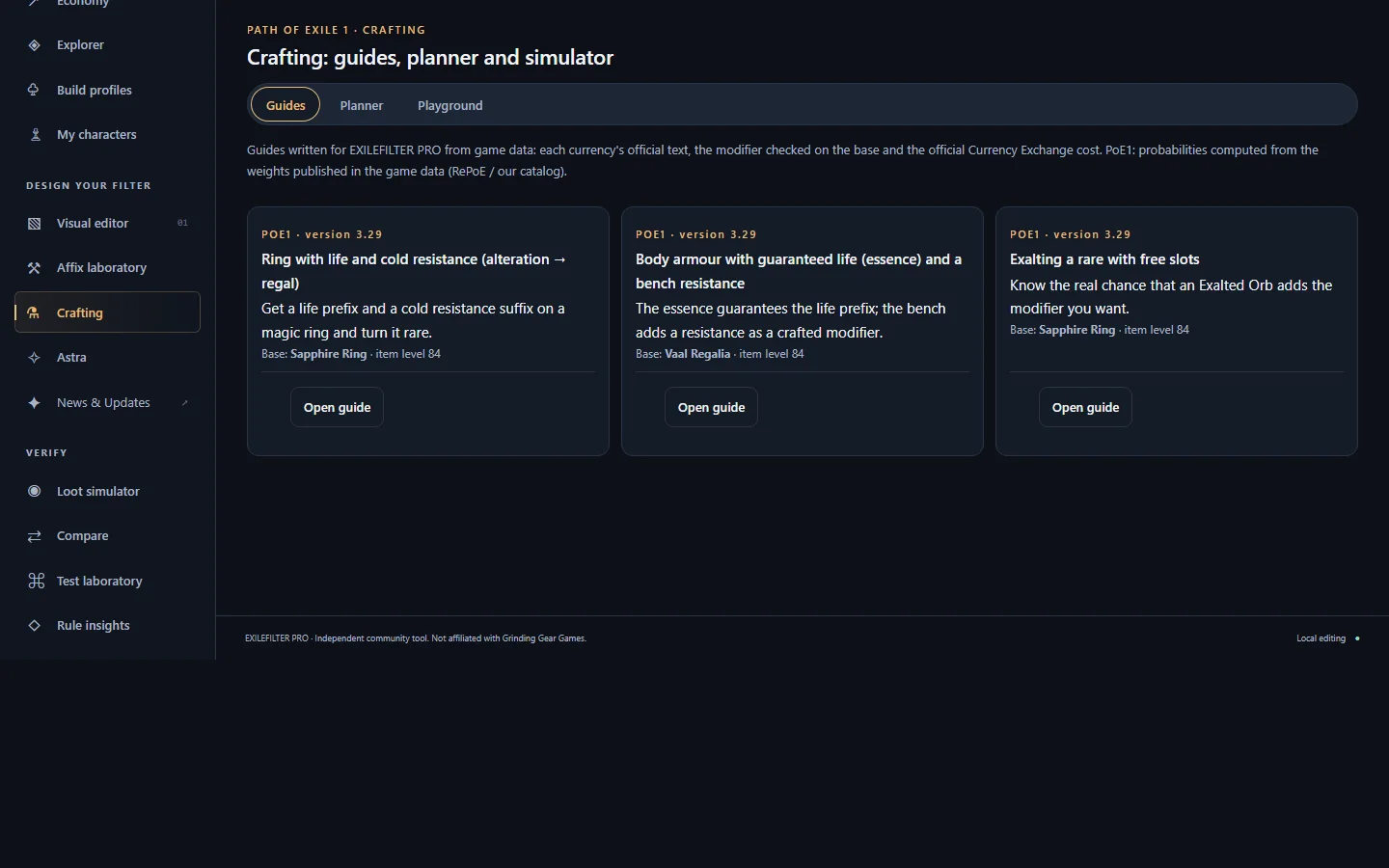 CraftingFollow crafting guides, check whether a combination of modifiers is possible on a base, and try currency, essences and omens in a simulator.
- AstraAsk in natural language about your build, items, affixes, economy or filter; Astra answers with tools you can check.
03Verify
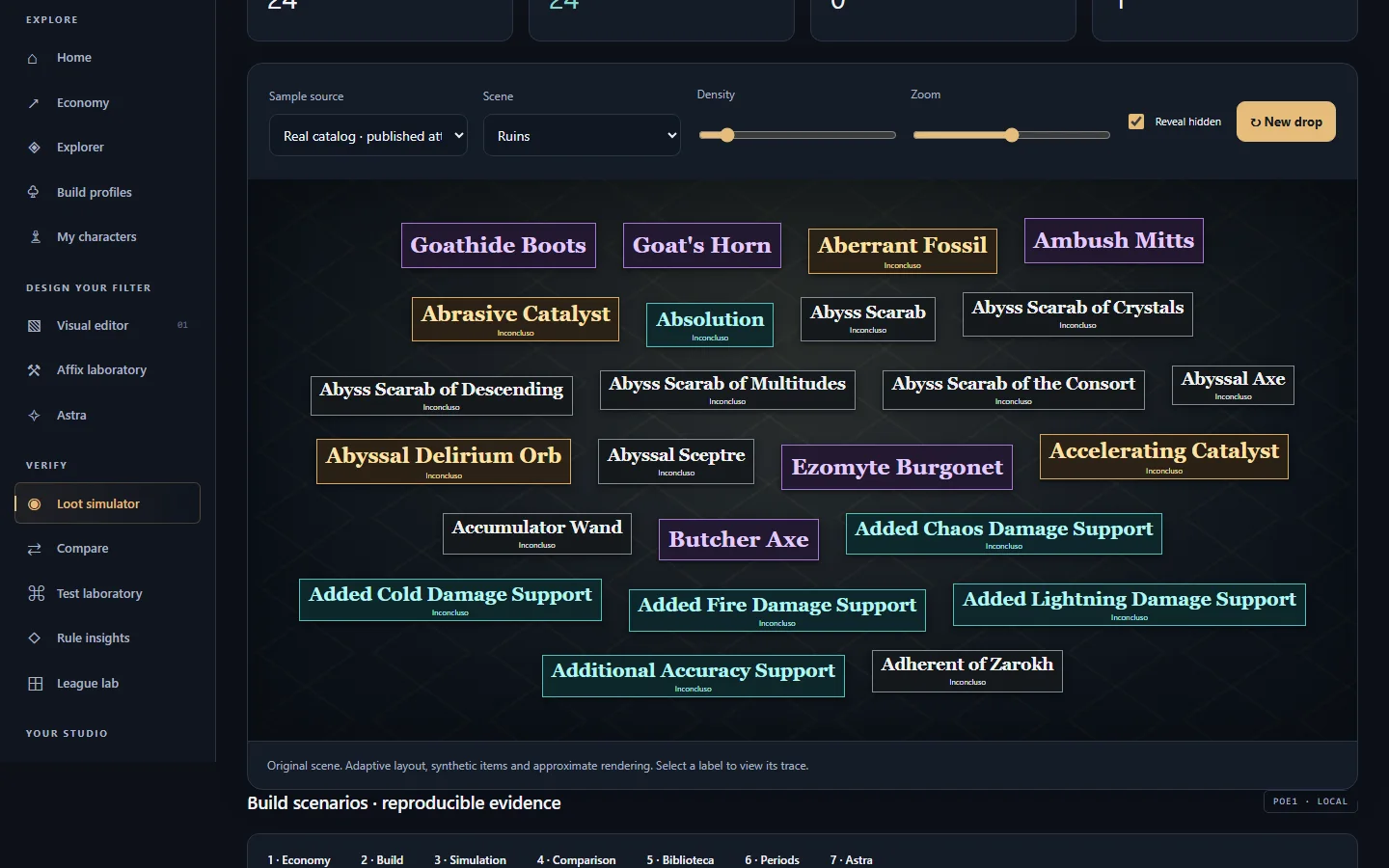 Loot simulatorSee what your filter shows or hides and which rule decides it.
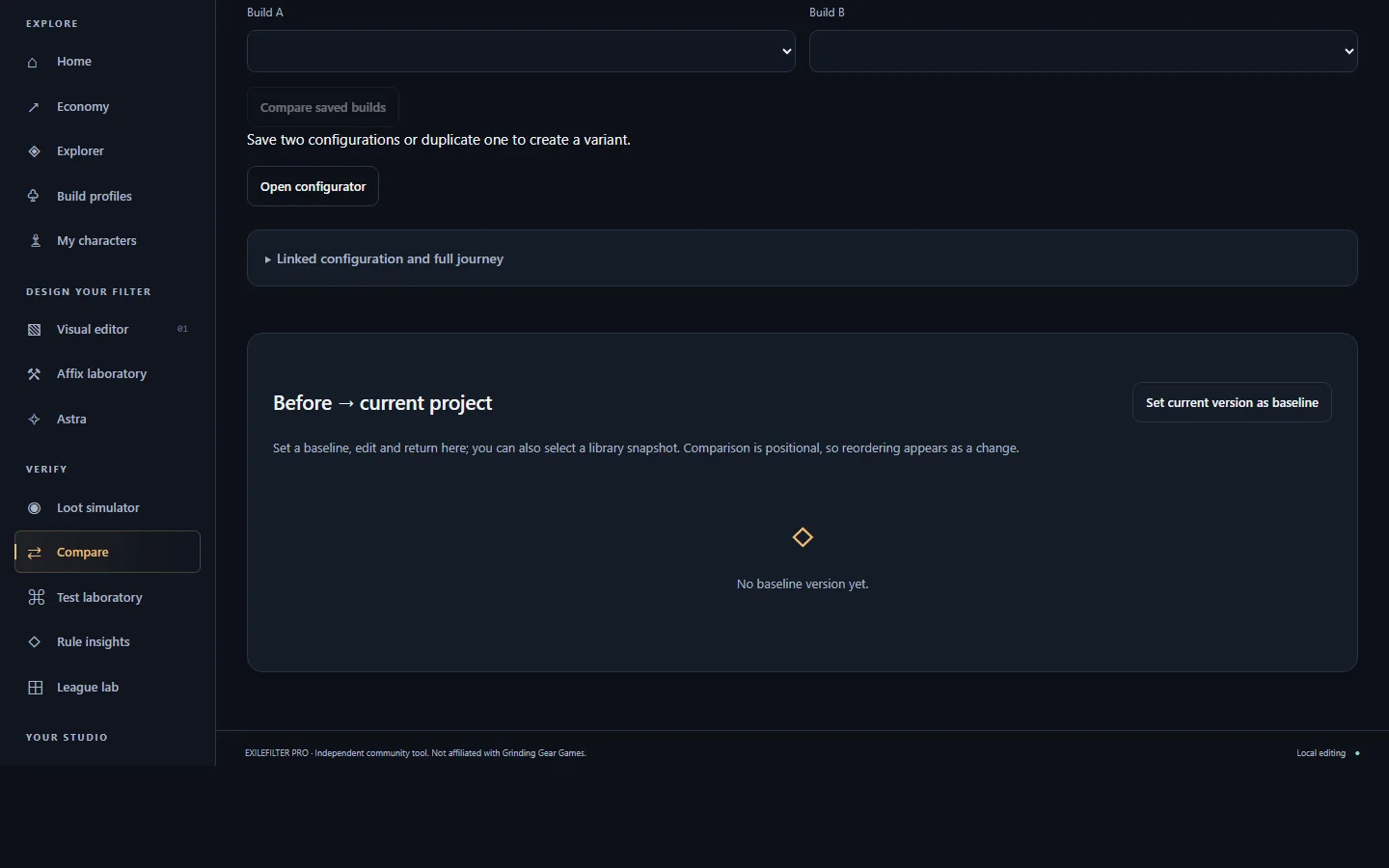 CompareCompare versions of your filter, saved builds and items.
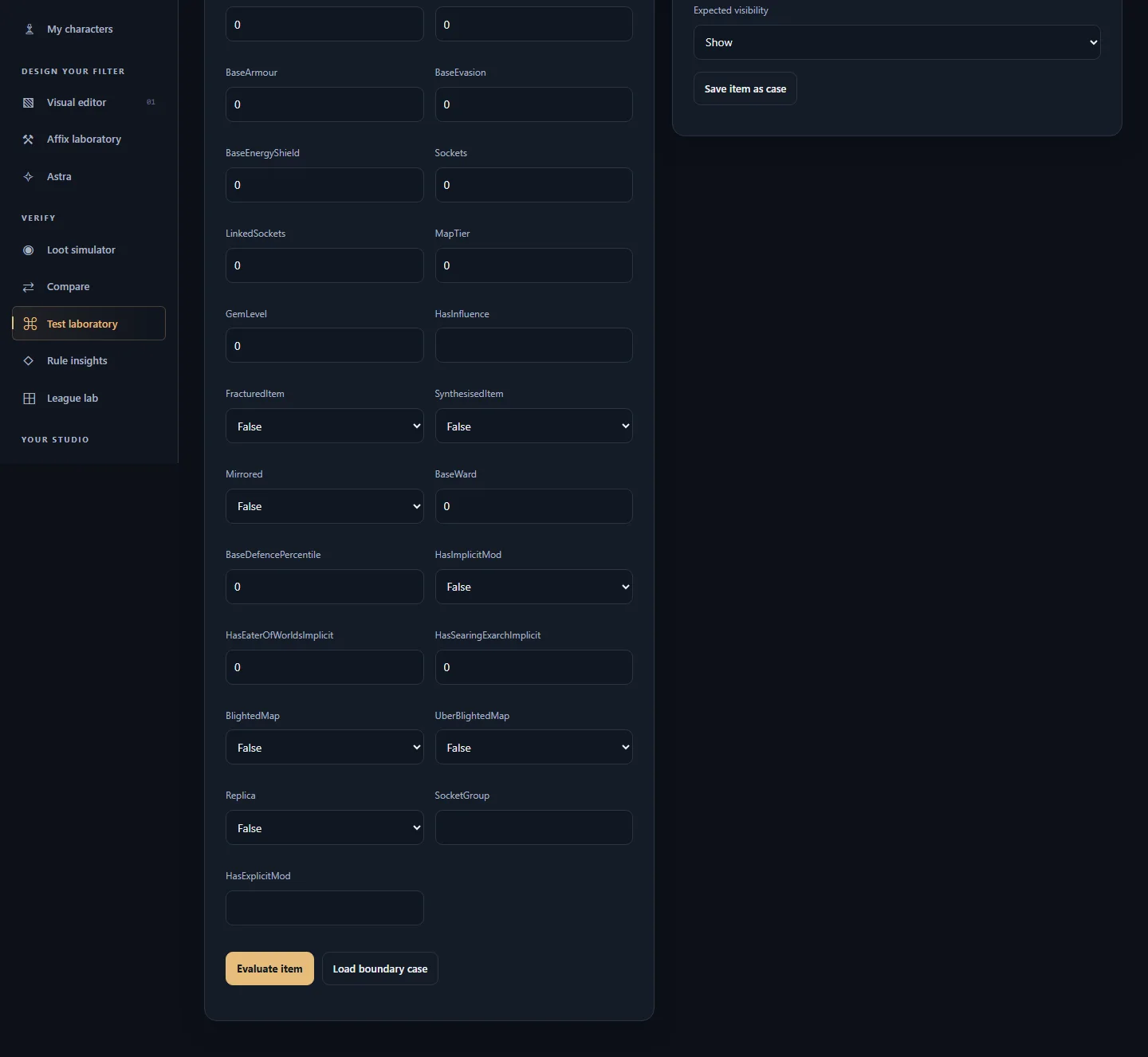 Test laboratoryTest specific items against your filter and save regression cases.
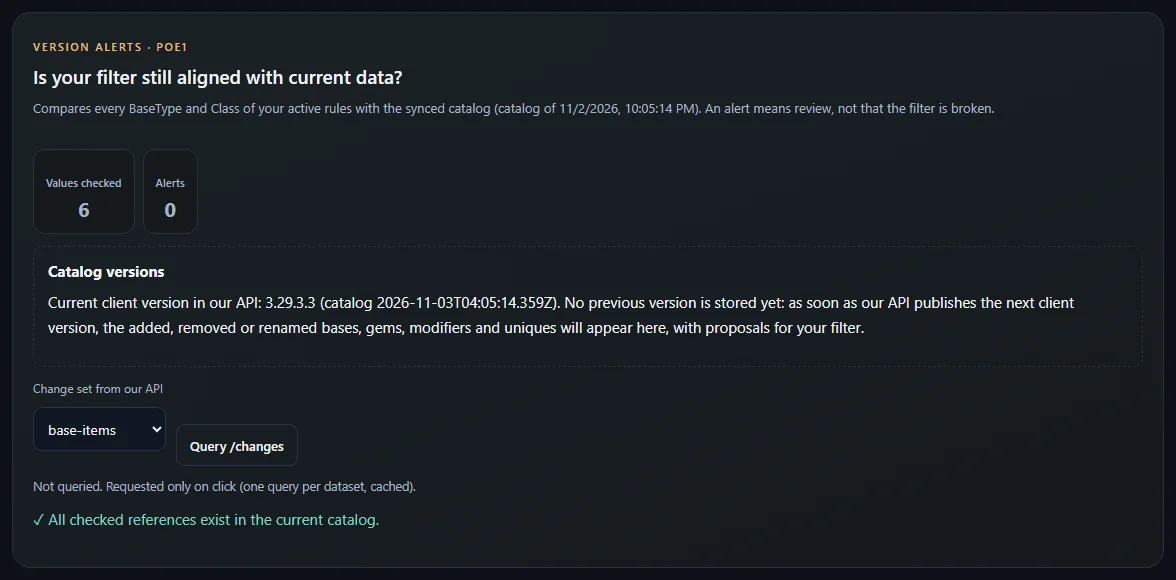
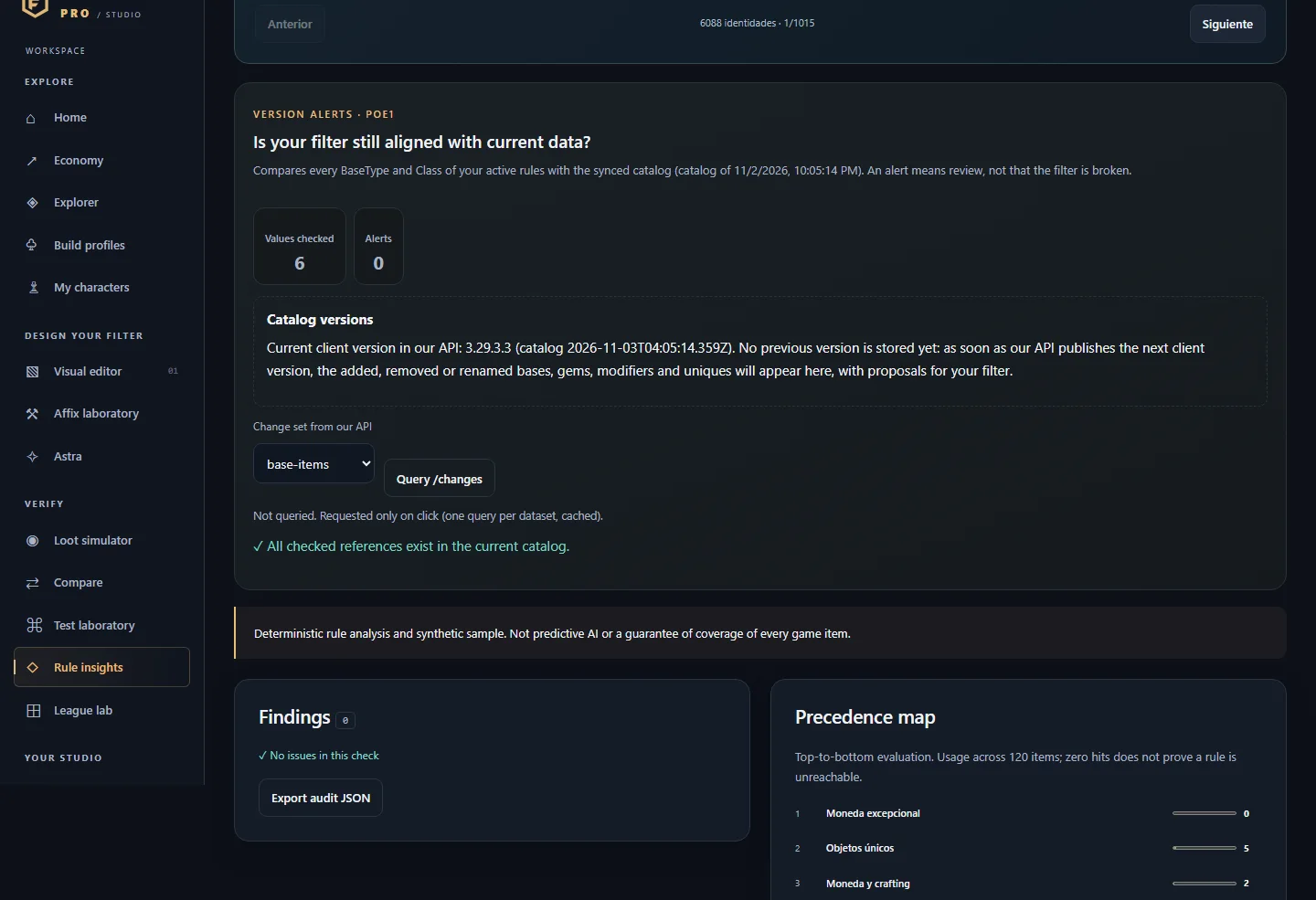 Rule insightsReview your filter's coverage, priorities and risks, and whether it is still aligned with the current game version.
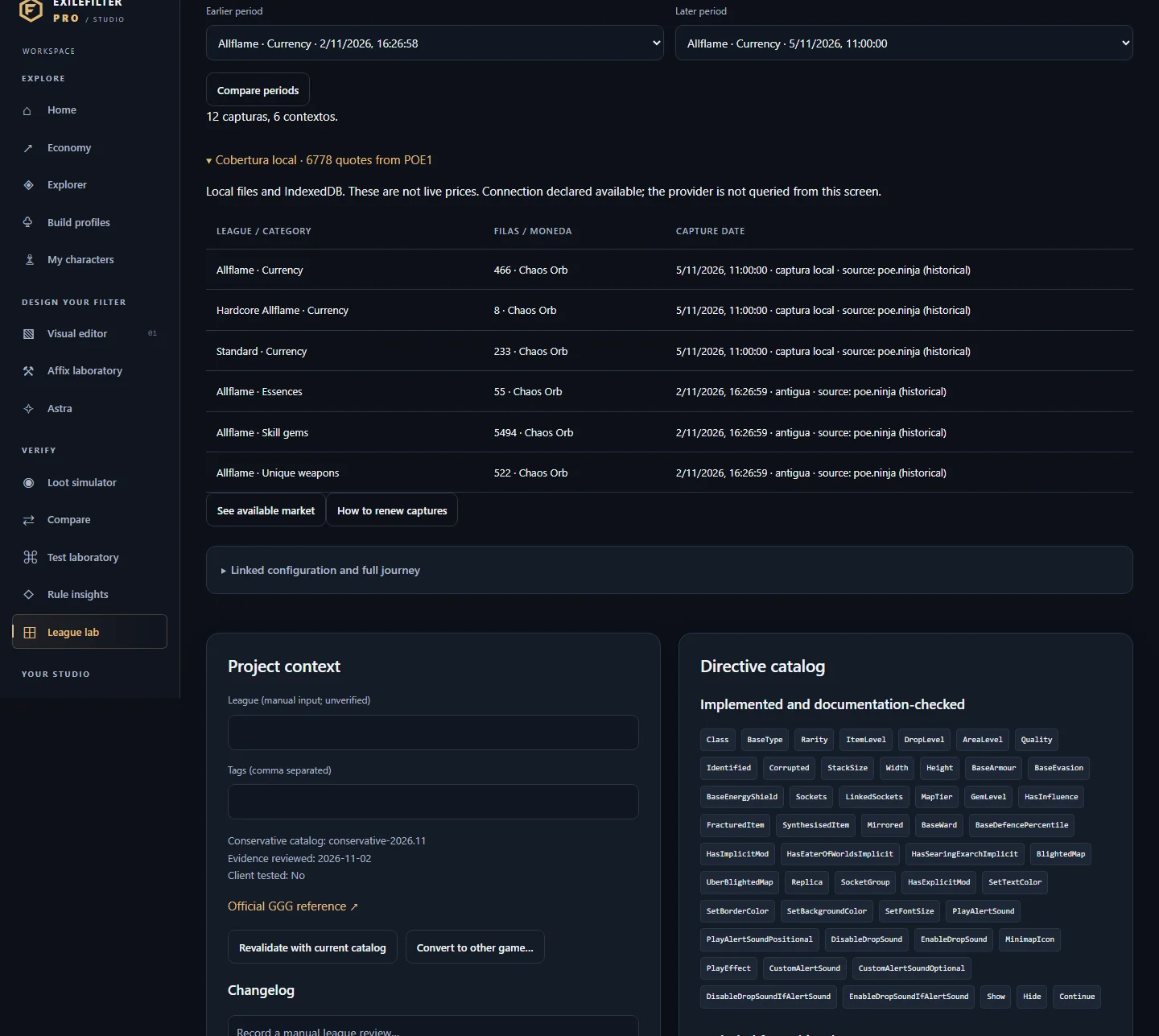 League labKeep your filter's context: league, tags, directive catalog, conversion between games and price period comparison.
04Your studio
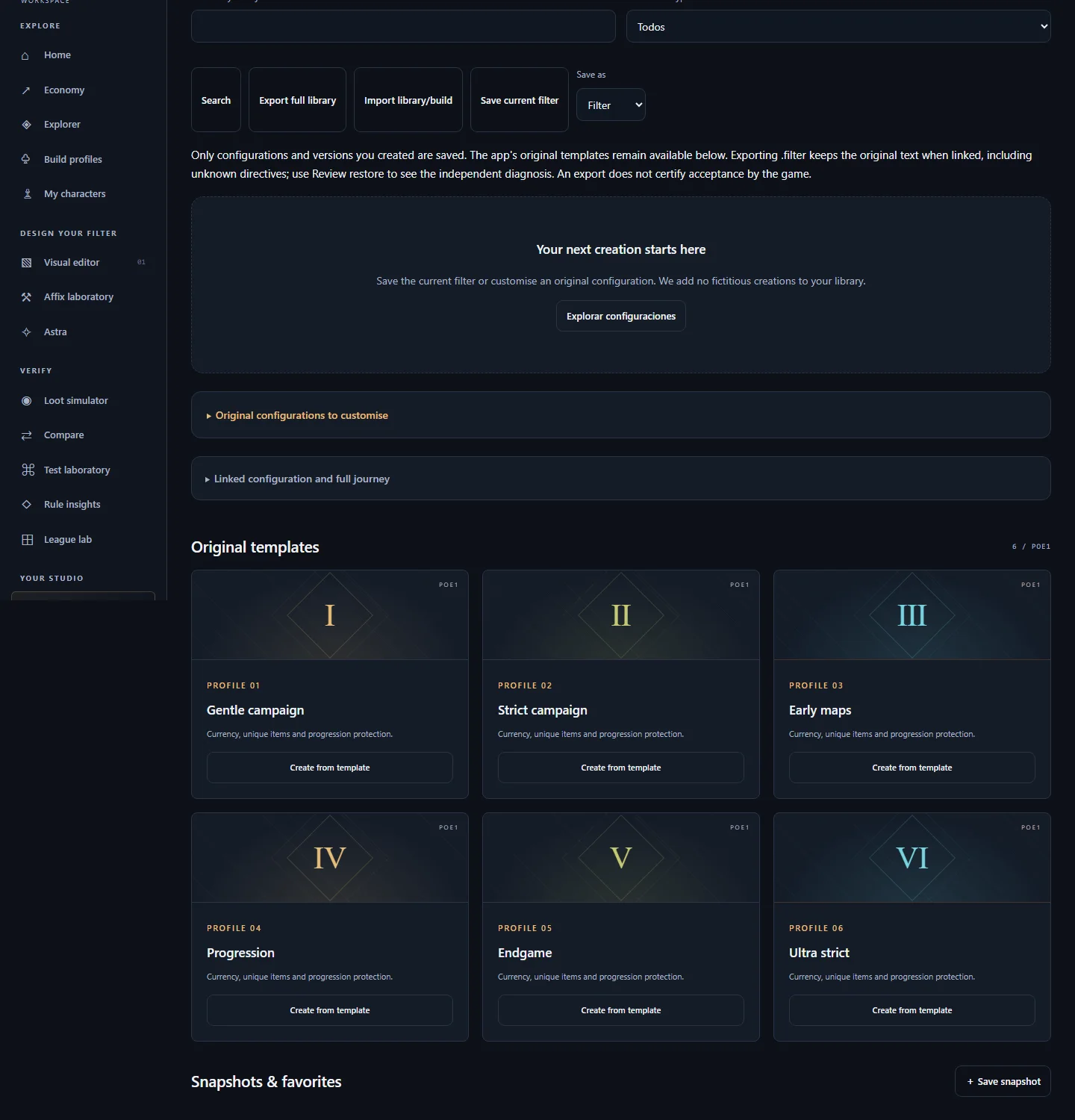 LibrarySave and restore your versions, templates, builds and filters.
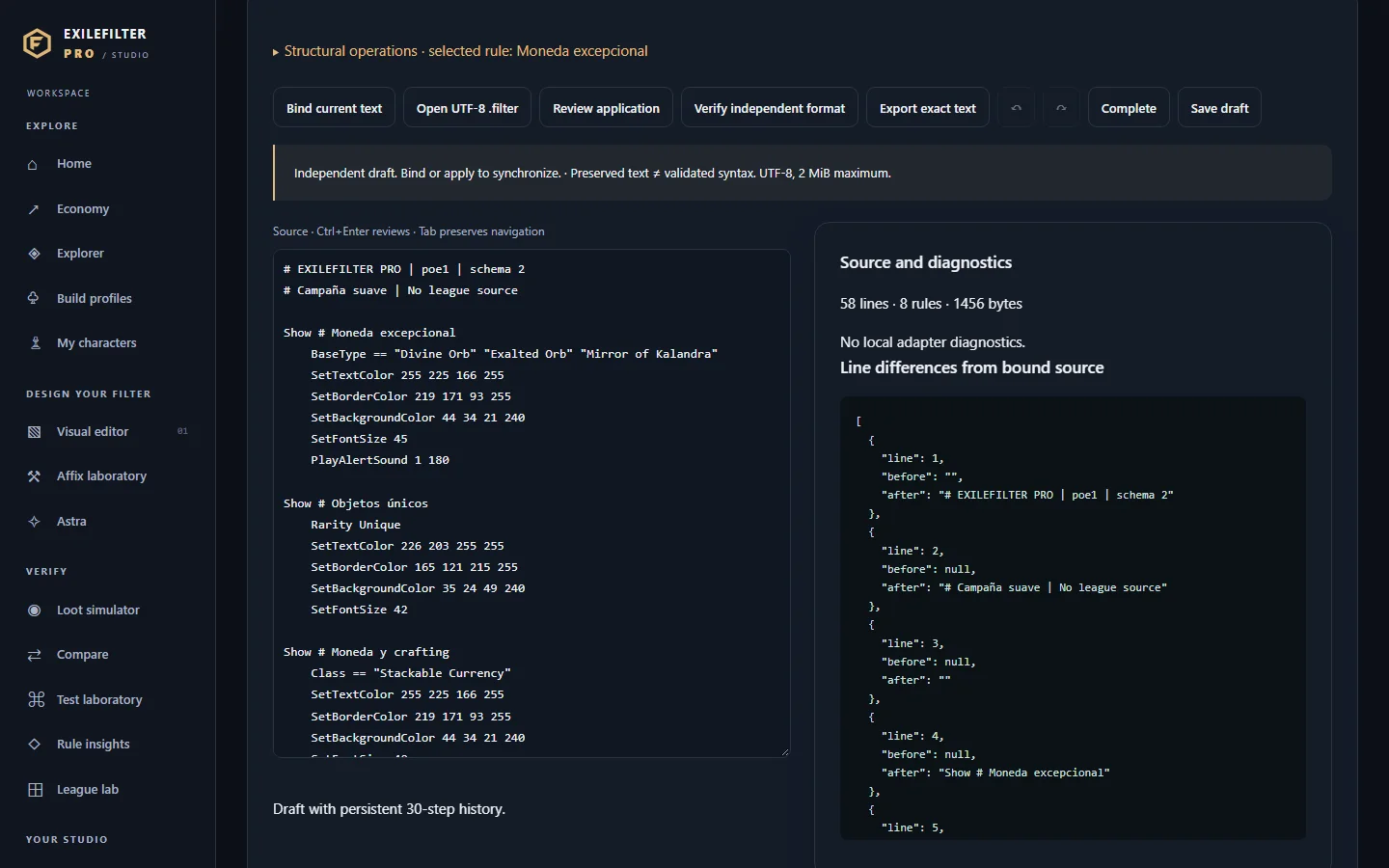 Studio 4Edit the exact .filter text while keeping the visual components linked.
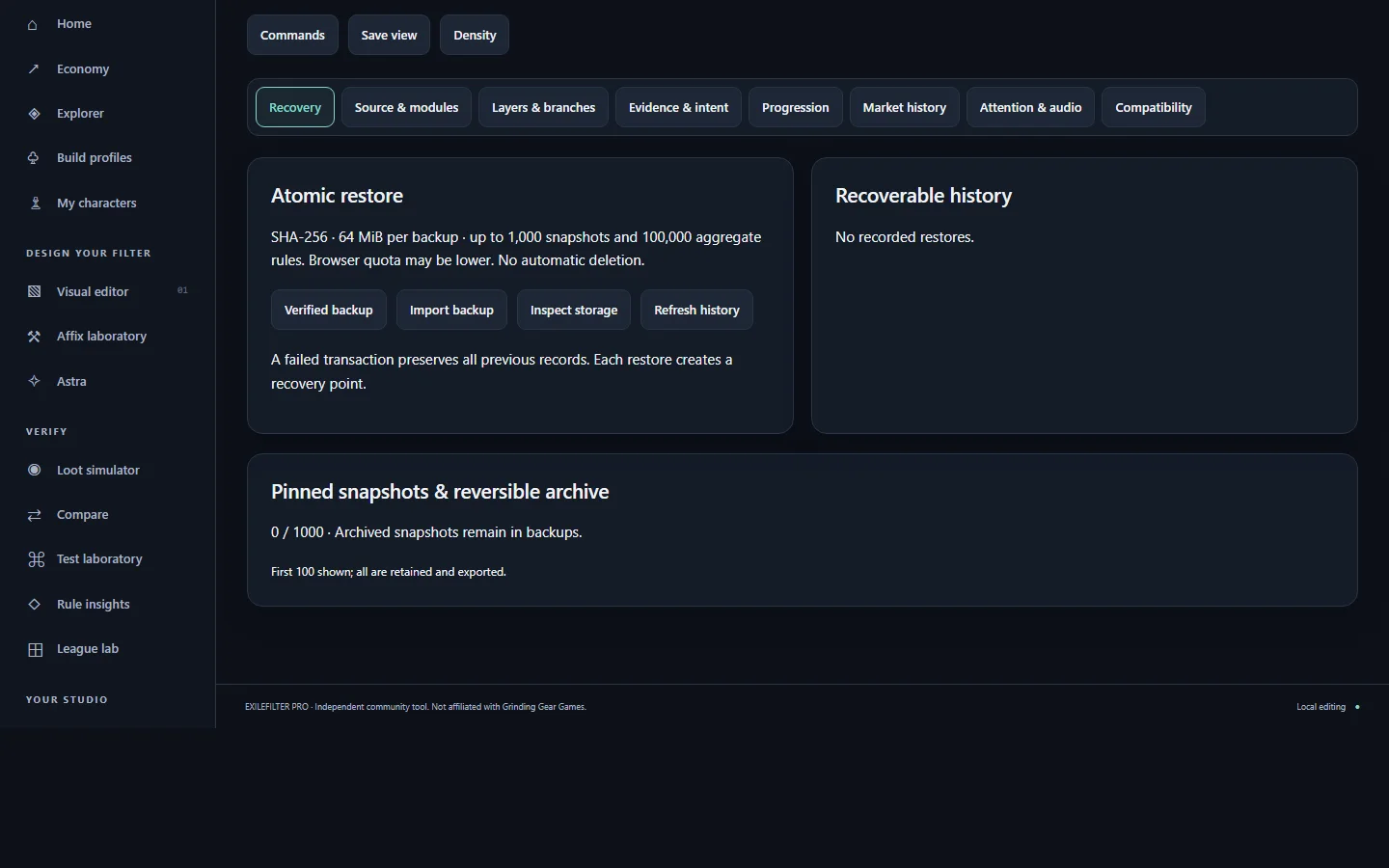 EvolutionVerified backups, recovery, layers and variants of your filter.
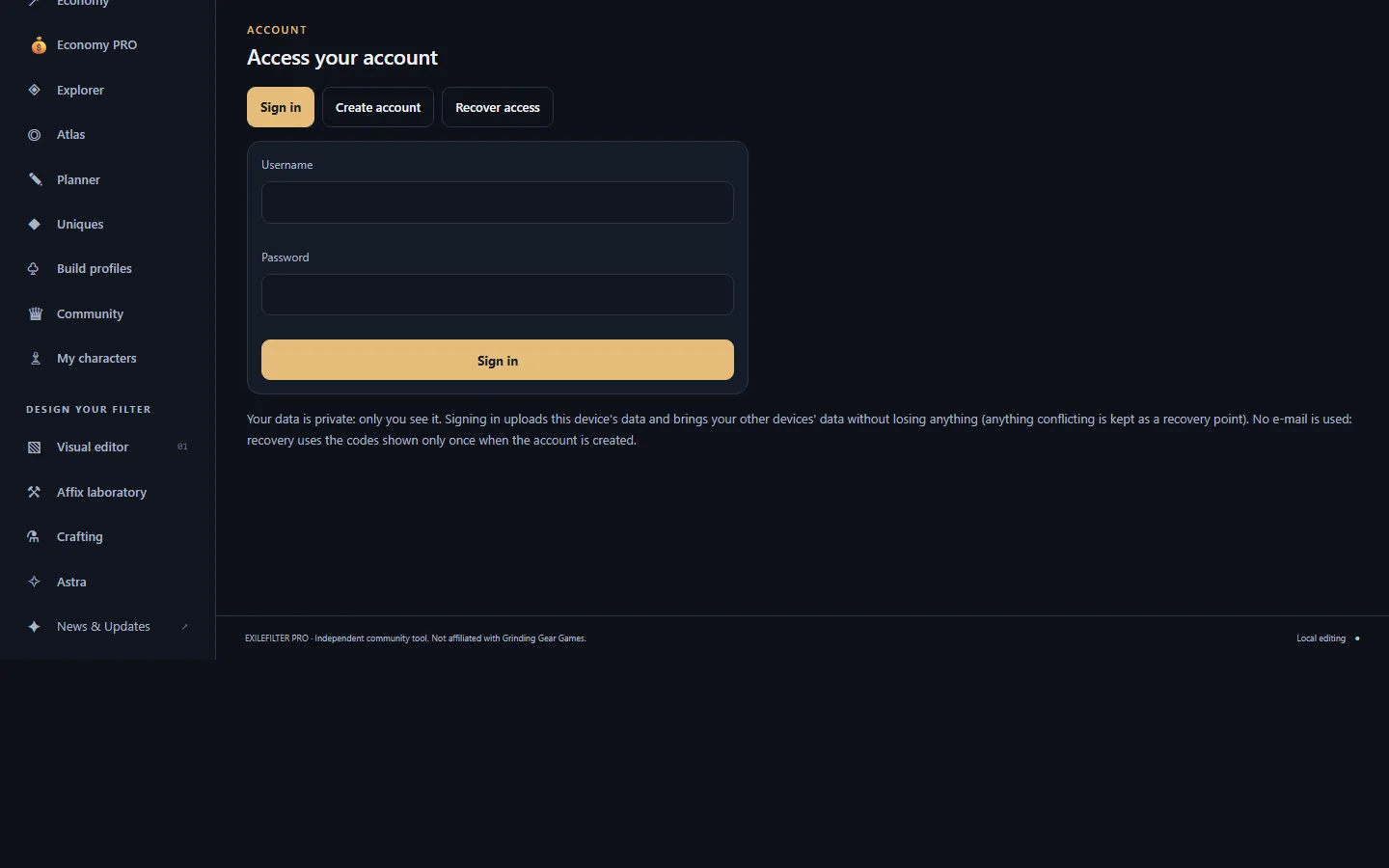 AccountA private, optional account to have your filters, builds, plans, basket, alerts and progress on all your devices.
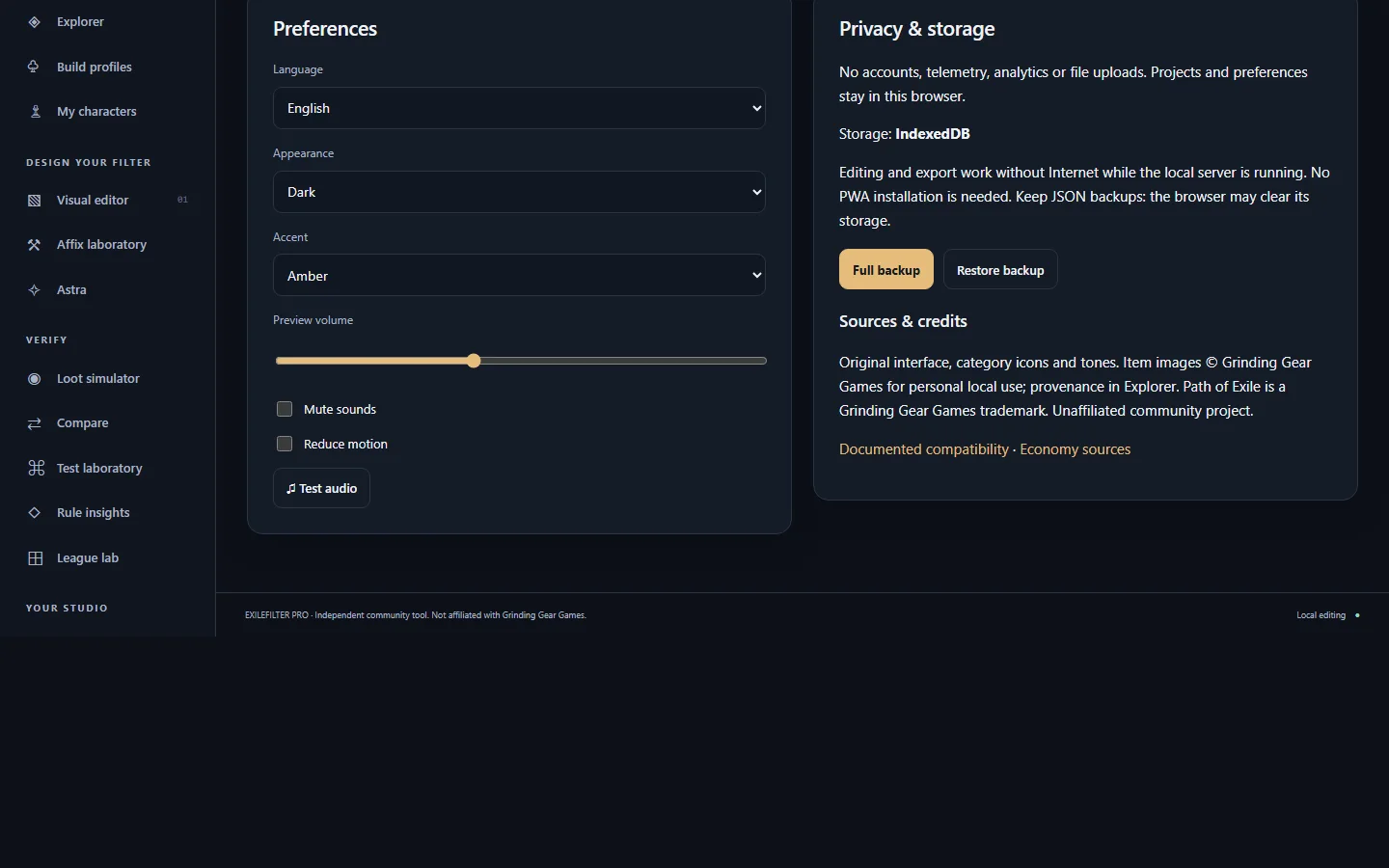 SettingsLanguage, appearance, sound and backups.
Also in the menu: News & Updates, official PoE1 and PoE2 news published by Grinding Gear Games, summarised and linked to their source, on a separate public page.
Guides for each tool
25 guides
No guide matches. Try another word or pick one of the entries above.
Home
Starting point: search the real catalog and jump to each tool.
Economy PRO
See poe.ninja prices per category and league (currency, uniques, gems, fragments…) with trend, listings and confidence, and take them to your budget, an upgrade basket or a price watch.
Interactive Atlas (PoE1 and PoE2)
Plan the PoE1 or PoE2 Atlas tree (pick nodes, see their effects added up, save or share the plan with a link) and value your PoE1 and PoE2 farming strategies at the prices of this hour.
Uniques database
Search PoE1 and PoE2 uniques by name, base, slot or modifier, with their poe.ninja price when there is one and the catalogue builds that use them.
Build planner
Open a catalogue build or your PoB code and adjust gems, gear and passives before exporting it as a Path of Building code.
Economy
Check and compare official currency prices per league, with date and provenance, and take them to your builds or to a tiered filter.
Explorer
Look up real bases, uniques, gems and affixes, and analyze an item copied from the game.
Builds · import and analyze
Import your Path of Building build, understand what gear it needs and turn it into filter rules.
My characters
Use your character as the starting point for loot targets and a filter.
Visual editor
Create and edit your filter's Show/Hide rules: conditions, colours, sizes and sounds.
Affix laboratory
See which affix groups can roll on a base at an item level and rank your build's rare bases.
Crafting · guides, planner and simulator
Follow crafting guides, check whether a combination of modifiers is possible on a base, and try currency, essences and omens in a simulator.
Astra
Ask in natural language about your build, items, affixes, economy or filter; Astra answers with tools you can check.
Loot simulator
See what your filter shows or hides and which rule decides it.
Compare
Compare versions of your filter, saved builds and items.
Test laboratory
Test specific items against your filter and save regression cases.
Rule insights
Review your filter's coverage, priorities and risks, and whether it is still aligned with the current game version.
League lab
Keep your filter's context: league, tags, directive catalog, conversion between games and price period comparison.
Library
Save and restore your versions, templates, builds and filters.
Studio 4 · exact text
Edit the exact .filter text while keeping the visual components linked.
Evolution · backups and variants
Verified backups, recovery, layers and variants of your filter.
Create Your Build
Your own PoE1 or PoE2 build created from scratch with your character's real data: class, ascendancy, level, gear, gems, passive tree, Atlas, campaign rewards, configuration and images, calculated with Path of Building.
Community and knowledge
What EXILEFILTER PRO knows about PoE1 and PoE2, with its source always visible: the «Today» front page, reviewed knowledge and creator recommendations, verified catalogue builds and builds published by players, the catalogue meta and contributions of prices, crafts, farming, guides and discoveries.
Account and sync
A private, optional account to have your filters, builds, plans, basket, alerts and progress on all your devices.
Settings
Language, appearance, sound and backups.
Step-by-step tutorials
New, no build: your first filterBeginner · PoE1 or PoE2 · 6 stepsWith a PoB build: import, analyze, improve and filterPoE1 or PoE2 · 6 steps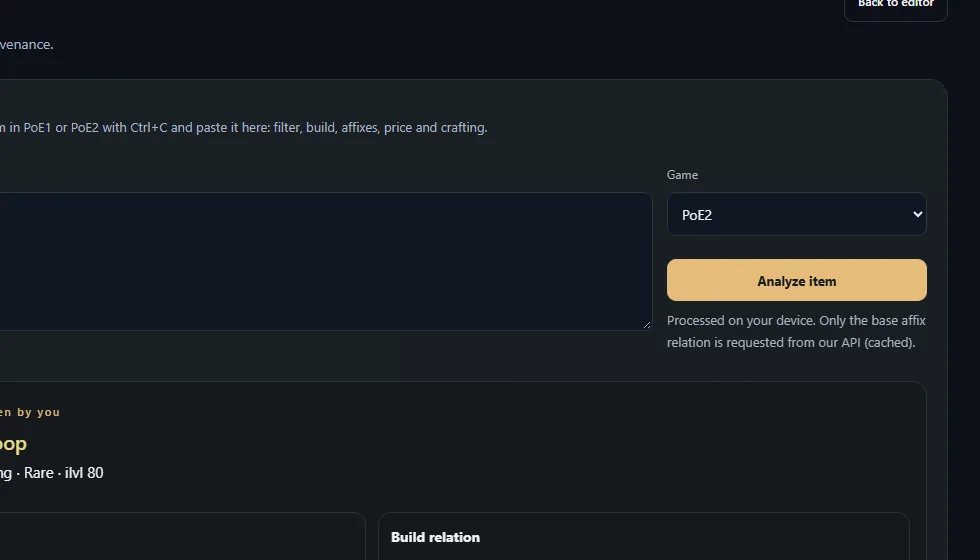 Paste an item and see its analysisPoE1 or PoE2 · no build · 3 stepsCheck the economy and its datesPoE1 or PoE2 · no build · 4 steps
 Explore modifiers and craftingPoE1 or PoE2 · 2 steps
 Review and export your filterBefore playing · 4 stepsAtlas, bosses and treePoE1 and PoE2 · 3 steps
Astra in action
Astra does not invent data: each answer comes from a tool (catalog, your build, Path of Building, official prices) and says so. If data is missing, it says so and asks only for what is needed.
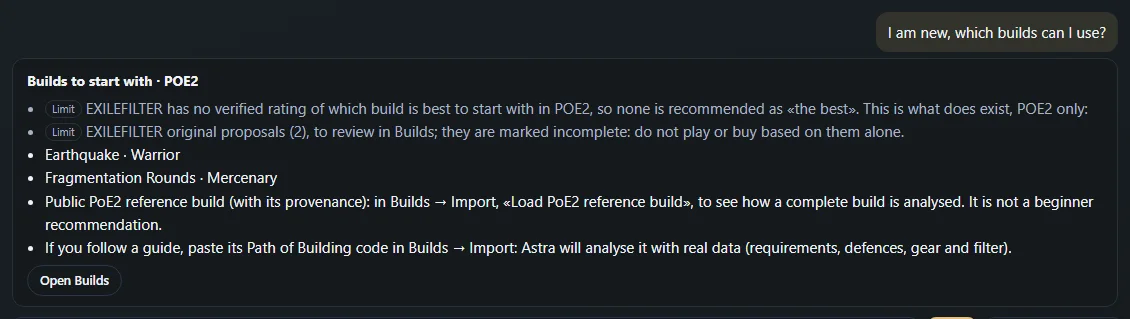
I am new, which builds can I use?
Builds to start with · POE2
Limit EXILEFILTER has no verified rating of which build is best to start with in POE2, so none is recommended as «the best». This is what does exist, POE2 only:
Limit EXILEFILTER original proposals (2), to review in Builds; they are marked incomplete: do not play or buy based on them alone.
Earthquake · Warrior
Fragmentation Rounds · Mercenary
Public PoE2 reference build (with its provenance): in Builds → Import, «Load PoE2 reference build», to see how a complete build is analysed. It is not a beginner recommendation.
If you follow a guide, paste its Path of Building code in Builds → Import: Astra will analyse it with real data (requirements, defences, gear and filter).
Which support performs best in my build?
Your build supports
Declared by PoB Path of Building · main group «Cast on Dodge»: combined DPS 3,320,100; 220 supports compatible per PoB.
Declared by PoB Best as an extra gem (if you have a free socket): Deliberation +663,993 (+20 %) · Chaos Attunement +601,451 (+18.12 %) · Inhibitor +408,645 (+12.31 %) · Rapid Casting II +336,919 (+10.15 %) · Poison III +303,740 (+9.15 %)
Declared by PoB Contribution of your supports (PoB, removing them one at a time): Wildshards II 0 (0 %) · Boundless Energy II 0 (0 %) · Projectile Acceleration III +150,688 (+4.54 %) · Execute III +766,363 (+23.08 %)
Declared by PoB Exact swap of the weakest («Wildshards II»): Deliberation +663,993 (+20 %) · Chaos Attunement +601,451 (+18.12 %) · Inhibitor +408,645 (+12.31 %)
Limit Calculated by PathOfBuilding-PoE2 v0.23.1 with the configuration saved in your build (16.6 s, reused). Main group combined DPS only; utility, defence and mana or spirit cost are not evaluated.
Group 1: Virtuous Barrier
Hypothesis Armour Demolisher I: not enough data
Group 3: Impurity
Which omen should I use to add cold resistance? + pasted item
Pasted item
Doom Loop · Sapphire Ring · RARE · ilvl 80 · 3 affixes
Limit No imported build: I cannot say whether it improves your character. Import your build and ask again.
Limit Filter: inconclusive (missing AlwaysShow).
Limit Affix tiers: open it in the Explorer to load its base relation.
Limit Current price not available: only currencies have an official source (GGG Currency Exchange).
PoE2 crafting: Doom Loop
Doom Loop · Sapphire Ring · rare · ilvl 80 · prefixes 2/3 · suffixes 1/3
Limit Affix limit per rarity: game rule (magic 1+1, rare 3+3).
Limit ✕ Orb of Transmutation / Greater Orb of Transmutation / Perfect Orb of Transmutation: does not apply to rare items
Limit ✕ Orb of Augmentation / Greater Orb of Augmentation / Perfect Orb of Augmentation: does not apply to rare items
Limit ✕ Orb of Alchemy: does not apply to rare items
Which fossil should I use for fire resistance? + pasted item
Pasted item
Doom Loop · Ruby Ring · RARE · ilvl 84 · 1 affixes
Limit No imported build: I cannot say whether it improves your character. Import your build and ask again.
Filter: shown · Rare equipment
Limit Affix tiers: open it in the Explorer to load its base relation.
Limit Current price not available: only currencies have an official source (GGG Currency Exchange).
Odds per orb: Fire Resistance
Doom Loop · Ruby Ring · ilvl 84 · prefixes 1 · suffixes 0
Essences with a guaranteed modifier for Rings containing «Fire Resistance»: 0. They apply to normal or rare items (official text: «Upgrades a normal item to rare or reforges a rare item, guaranteeing one property»).
Fossils that favour «Fire Resistance» (positively weighted tag on its modifiers): Scorched Fossil (More Fire modifiers, No Cold modifiers; 1 Chaos Orb (1–1) · Standard · hour 2026-11-05 17:00 UTC) · Prismatic Fossil (More Elemental modifiers, No Physical Ailment or Chaos Ailment Modifiers)
Real Astra answers in EXILEFILTER PRO to sample questions (captured on 2026-11-11). Your own conversation is private and never shown here.
What you can ask it
- Analyze your imported build and suggest damage or defence improvements with its real values.
- Calculate with Path of Building: an item in your build, which passive or support performs best, boss readiness.
- Explain a pasted item, its affixes, tiers and each game's crafting options.
- Check official prices with their league and hour, movers and conversion routes.
- Prepare filter rule drafts with preview.
- Propose five upgrade plans with «UPGRADE», from cheapest to most expensive, slot by slot.
- Summarise video creators' recommendations, marked as a player's and with the video link.
- Guide you if you are new, with what is available in EXILEFILTER.
You decide: Astra proposes and your filter does not change until you approve the preview. When some data does not exist, it tells you instead of inventing it. Astra's limits and how to use it →
Data and limitations
Updated catalog
Bases, gems, uniques and modifiers of each game from our API, with the game client version. It syncs on its own and warns when it changes.
Official prices per closed hour
GGG Currency Exchange, collected hourly by our server: always a complete closed hour, never real time. Currencies only.
Historical data
Stored hours allow movers, league diary and comparisons. Old poe.ninja captures are shown only as a dated reference.
Path of Building calculations
The official PoB engine runs on our server with your imported build; the numbers are PoB's and take a few seconds.
Data not available
Prices of uniques and rares, PoE2 affix weights, PoE2 boss skills and the connection with your GGG account (pending authorization; use the PoB import).
Your data
Filters, builds and library are stored in this browser; with an optional account they sync, privately, across your devices. No telemetry. Make copies with «Full backup».
PoE1 and PoE2
- PoE1 and PoE2 have separate projects, catalogs, prices and builds: the game is chosen at the top and they are never mixed.
- PoE1: crafting bench, essences, fossils, cluster jewels, Atlas and estimated odds from published weights.
- PoE2: runes and soul cores, omens, essences, charms and Vaal Orb corruptions, without percentages because no weights are published.
- The official PoE1 tree publishes the point total; PoE2's does not.
Filter fundamentals
Start with a template
Pick the game and one of the six profiles. Gentle campaign keeps all loot; review a strict profile before using it.
Order and precedence
Rules are read top to bottom. All block conditions must match. The first terminal match decides.
Continue
Continue keeps the applied actions and lets other rules change style or visibility.
Test before exporting
Click a simulator label to see the trace. Use the lab to test edge levels and rarities.
Manual installation in the game
Export .filter. In the game options open the filter folder, copy the file there, select it and reload. The app does not write to that folder.
Glossary
BaseType: the item's base type. Rarity: rarity. All conditions in a block combine with AND; several values in one condition, with OR. Snapshot: restorable copy. Hide: hide. RGBA: colour with transparency.
Keyboard shortcuts
Ctrl+S save · Ctrl+Z undo · Ctrl+Shift+Z redo · Alt+N new project · Alt+E export.