
In the menu: Explorer · Items and crafting
Explorer
Look up real bases, uniques, gems and affixes, and analyze an item copied from the game.
Works inPoE1PoE2
- Who it is for
- Anyone with an item in front of them who wonders if it is useful.
- You need
- To search, nothing. To analyze an item, its text copied with Ctrl+C. The build relation needs an imported build.
- You get
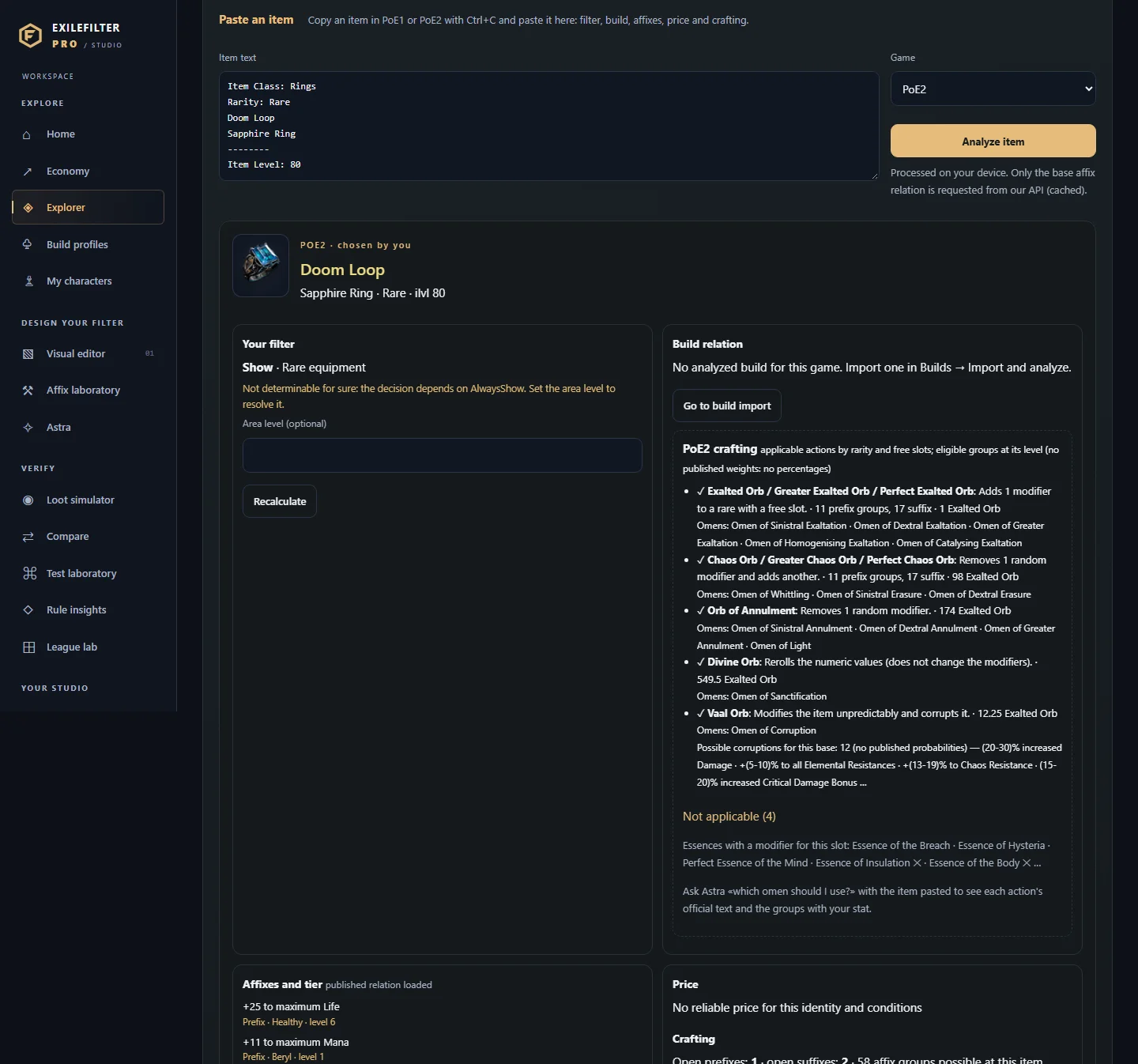
- What your filter does with the item, its affixes and tiers, the price if it is an official currency, the crafting room and, with a build, the comparison with your piece.
Step by step
Examples
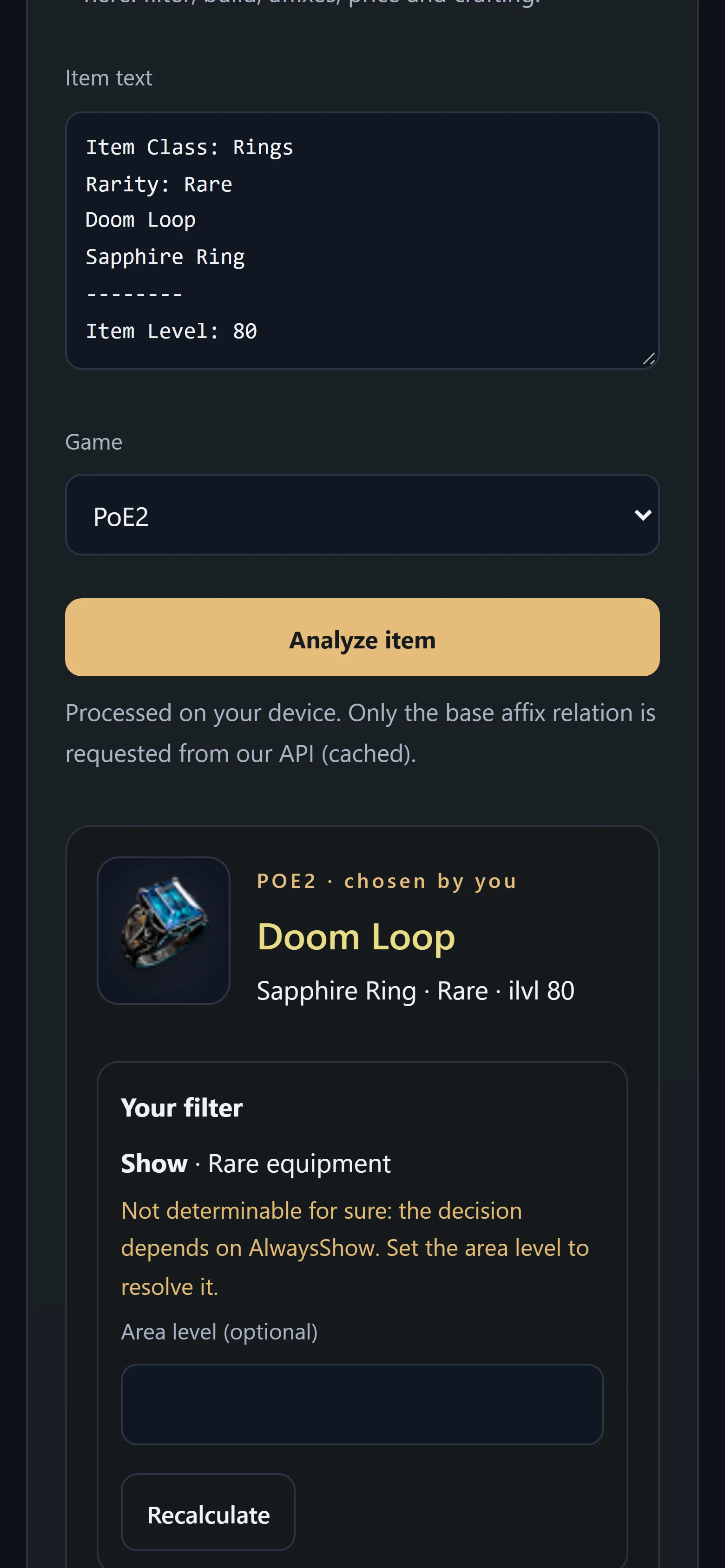
PoE2 A PoE2 rare ring shows the applicable crafting actions, their omens and the possible Vaal Orb corruptions, without percentages.
PoE1 A PoE1 item shows the essences with a guaranteed modifier for its class.