Paste an item and see its analysis
3 steps with real captures of EXILEFILTER PRO.
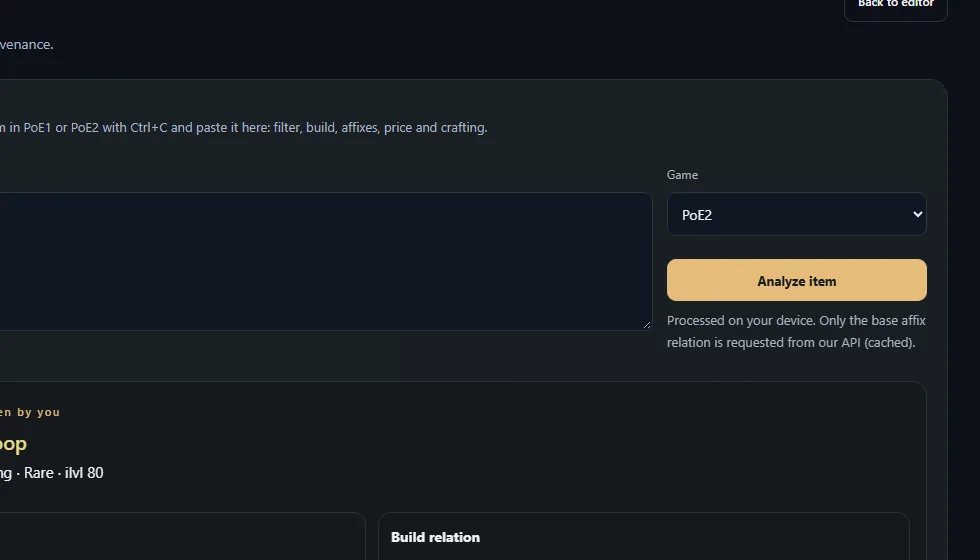
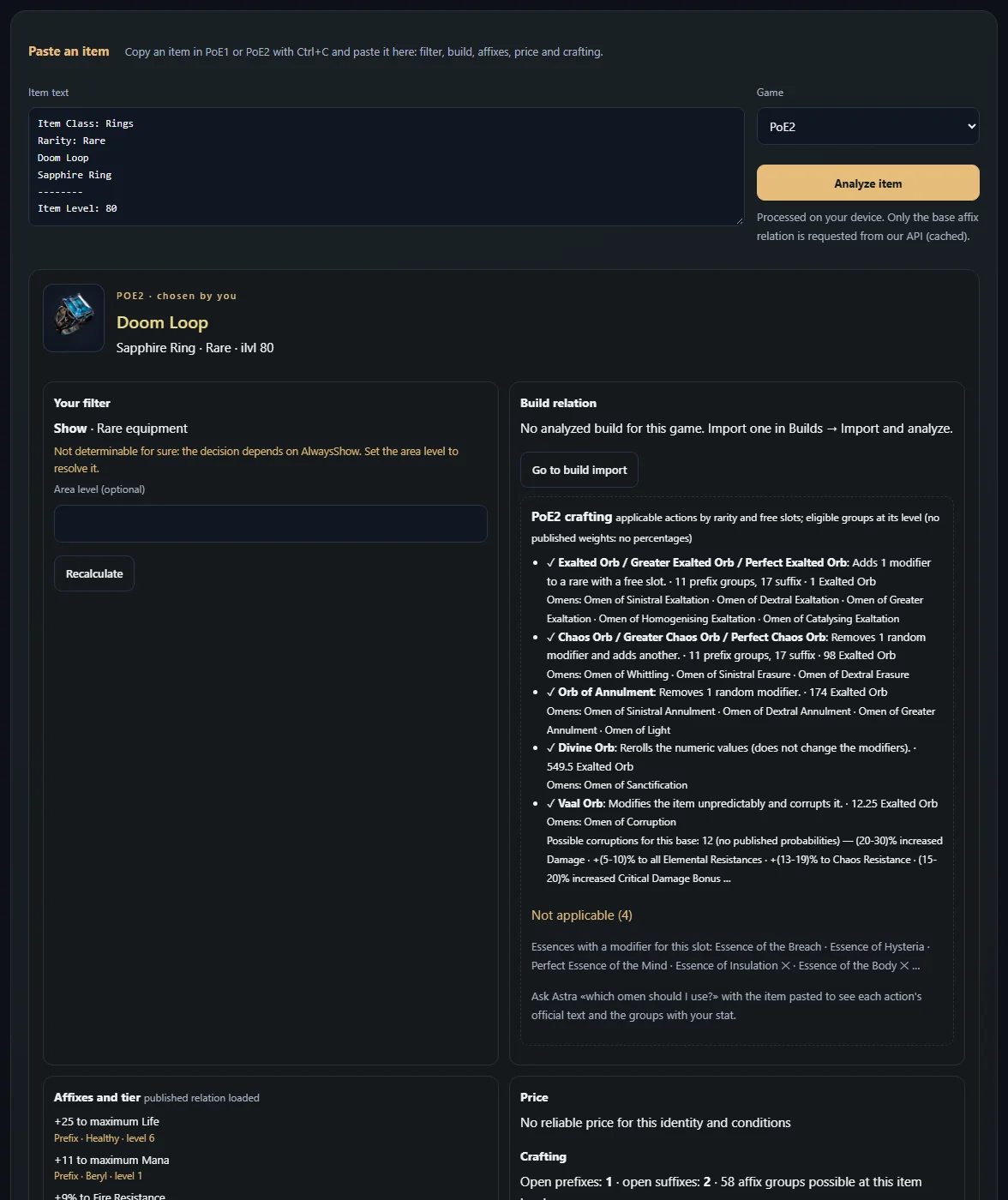
Real capture of EXILEFILTER PRO (2026-11-11).
 ExileNexusLearn to use EXILEFILTER PRO
3 steps with real captures of EXILEFILTER PRO.
Real capture of EXILEFILTER PRO (2026-11-11).