
In the menu: Build profiles · Builds and characters
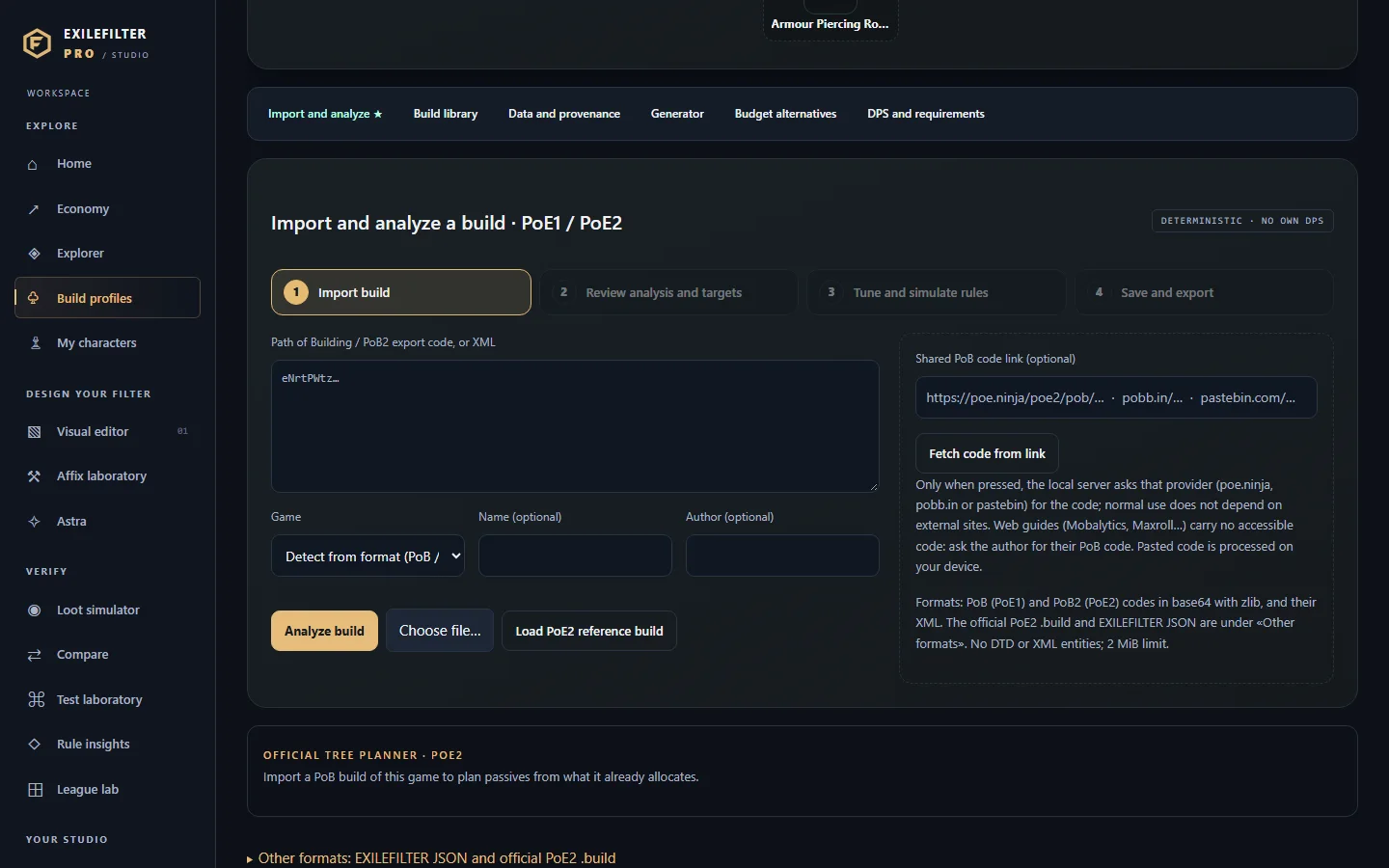
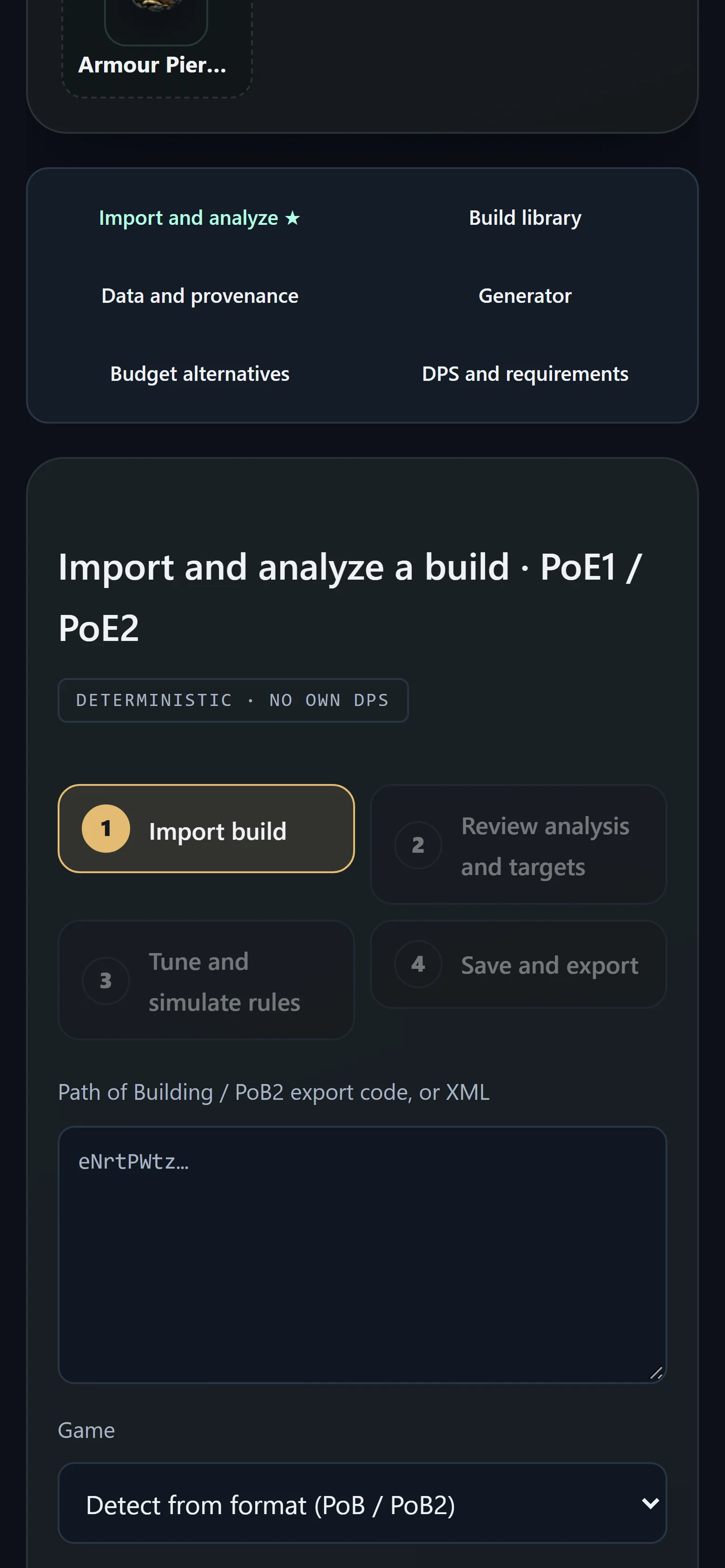
Builds · import and analyze
Import your Path of Building build, understand what gear it needs and turn it into filter rules.
Works inPoE1PoE2
- Who it is for
- Players following a build or a guide with a PoB code.
- You need
- The Path of Building / PoB2 export code, its XML or a shared link (pobb.in, pastebin, poe.ninja). It must belong to the active game.
- You get
- Build analysis, loot targets by category, simulated rules and a group you can apply to the editor or download as .filter. Plus the official tree planner.
Step by step
Tips
- PoE2: «Take it in-game (.build)» downloads the build in the official Path of Exile 2 Build Planner format (one stage or all of them in a ZIP) to see it highlighted in-game.
- Web guides do not include an accessible code: ask the author for their PoB code.
- Other tabs: «Build library», «Data and provenance», «Generator», «Budget alternatives» and «DPS and requirements».