
In the menu: Planner · Builds and characters
Build planner
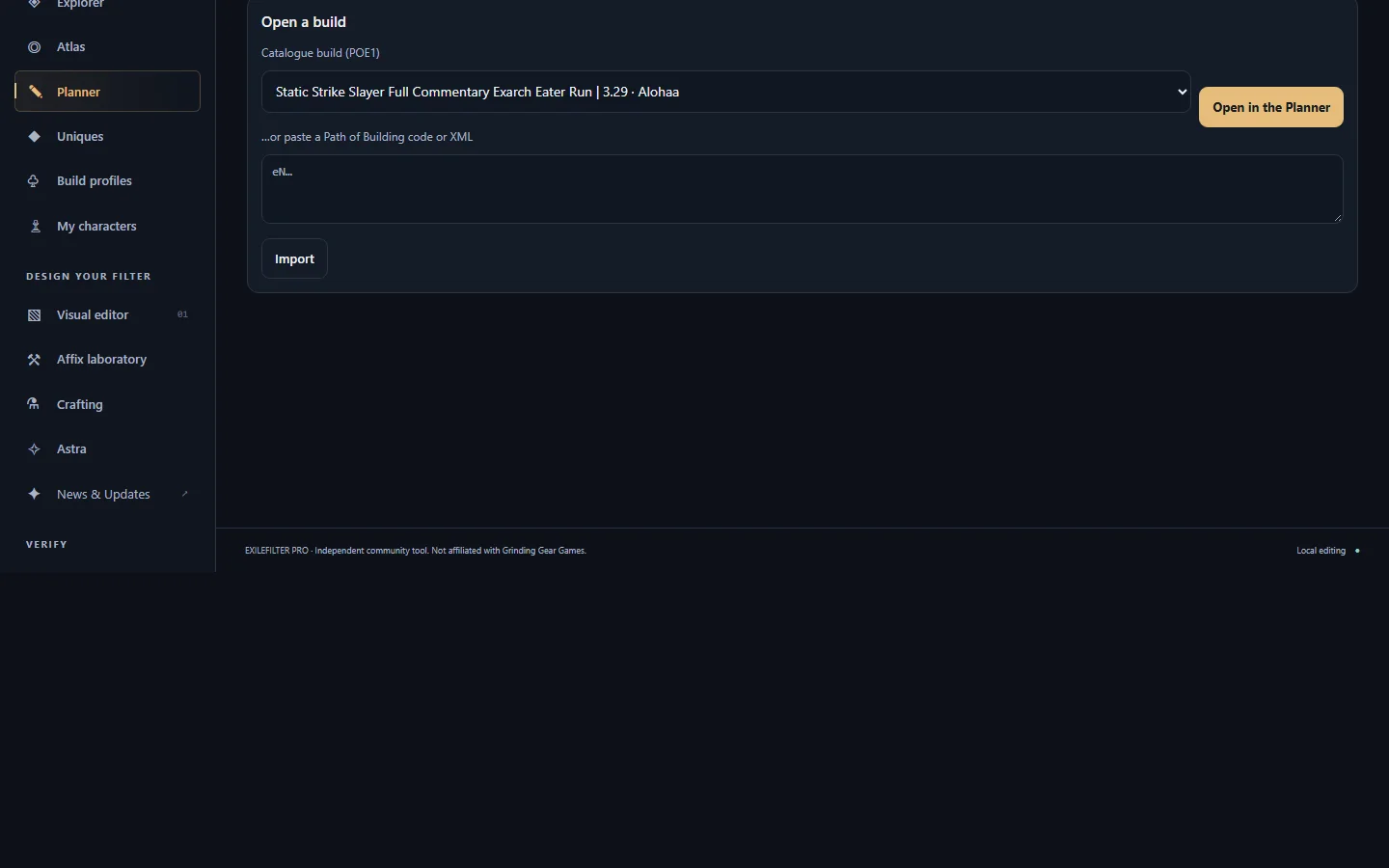
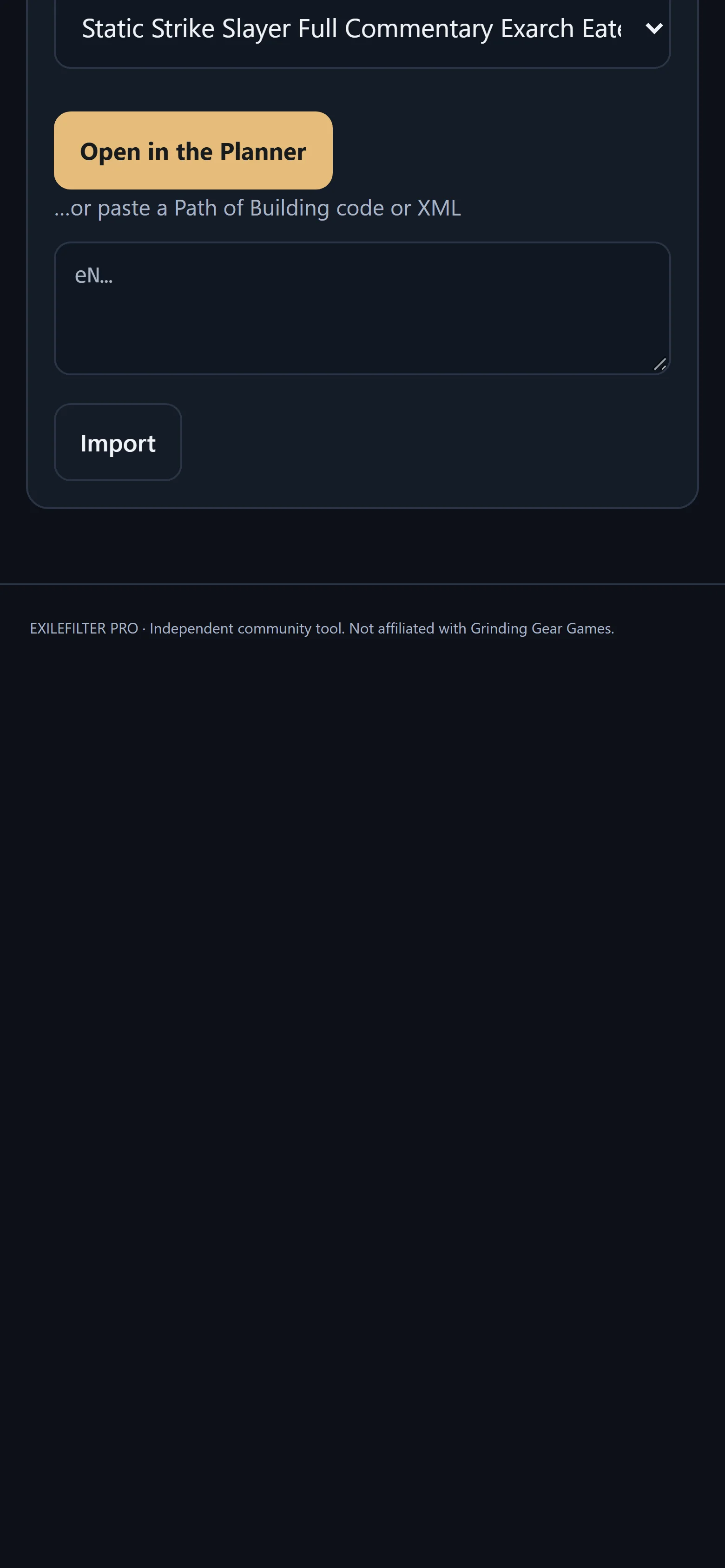
Open a catalogue build or your PoB code and adjust gems, gear and passives before exporting it as a Path of Building code.
Works inPoE1PoE2
- Who it is for
- Anyone who wants to plan before spending resources.
- You need
- Nothing; you can also start from a catalogue build («Open in the Planner»).
- You get
- A saved plan and a PoB code to paste into Path of Building or Astra.
Step by step
Tips
- Paste the exported code into Astra and type «UPGRADE» to see five upgrade plans.