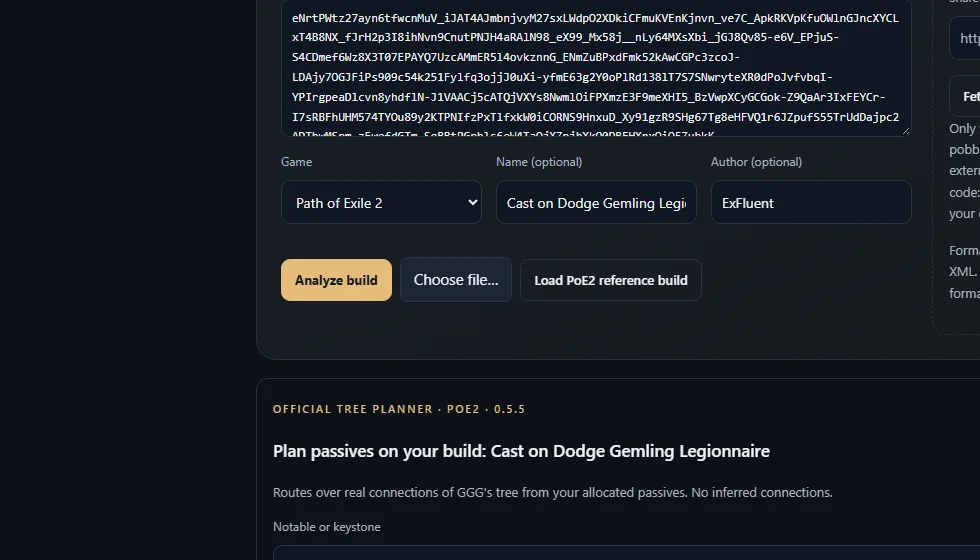
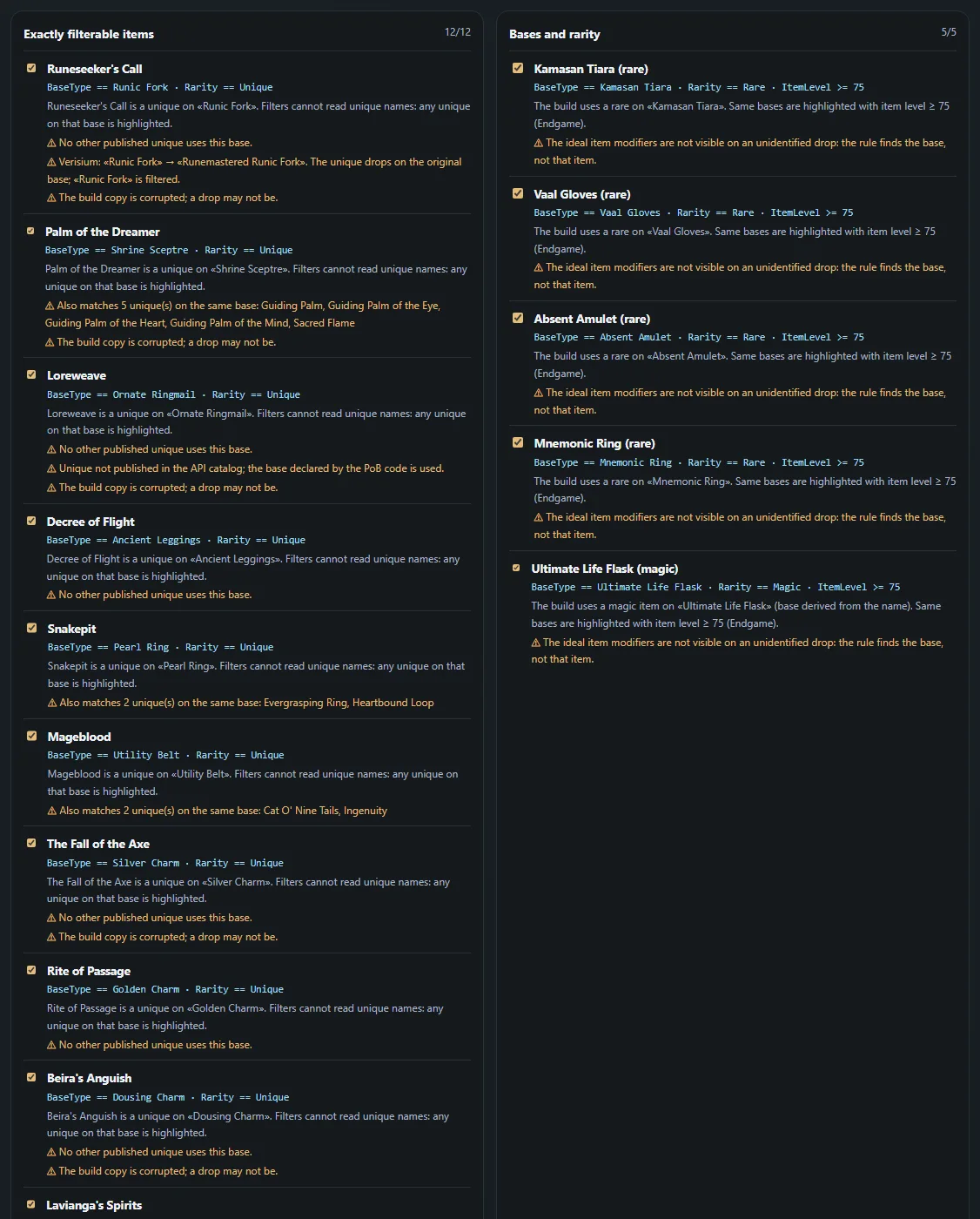
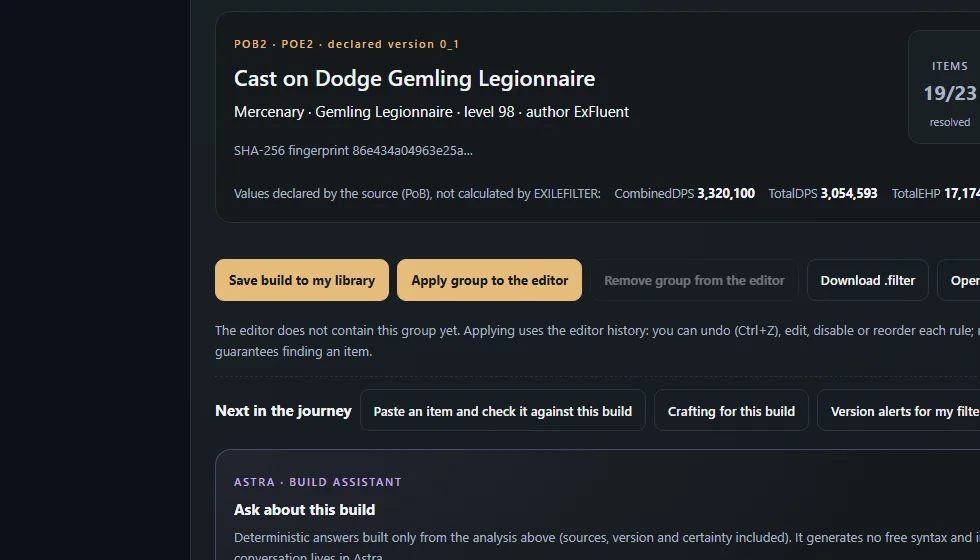
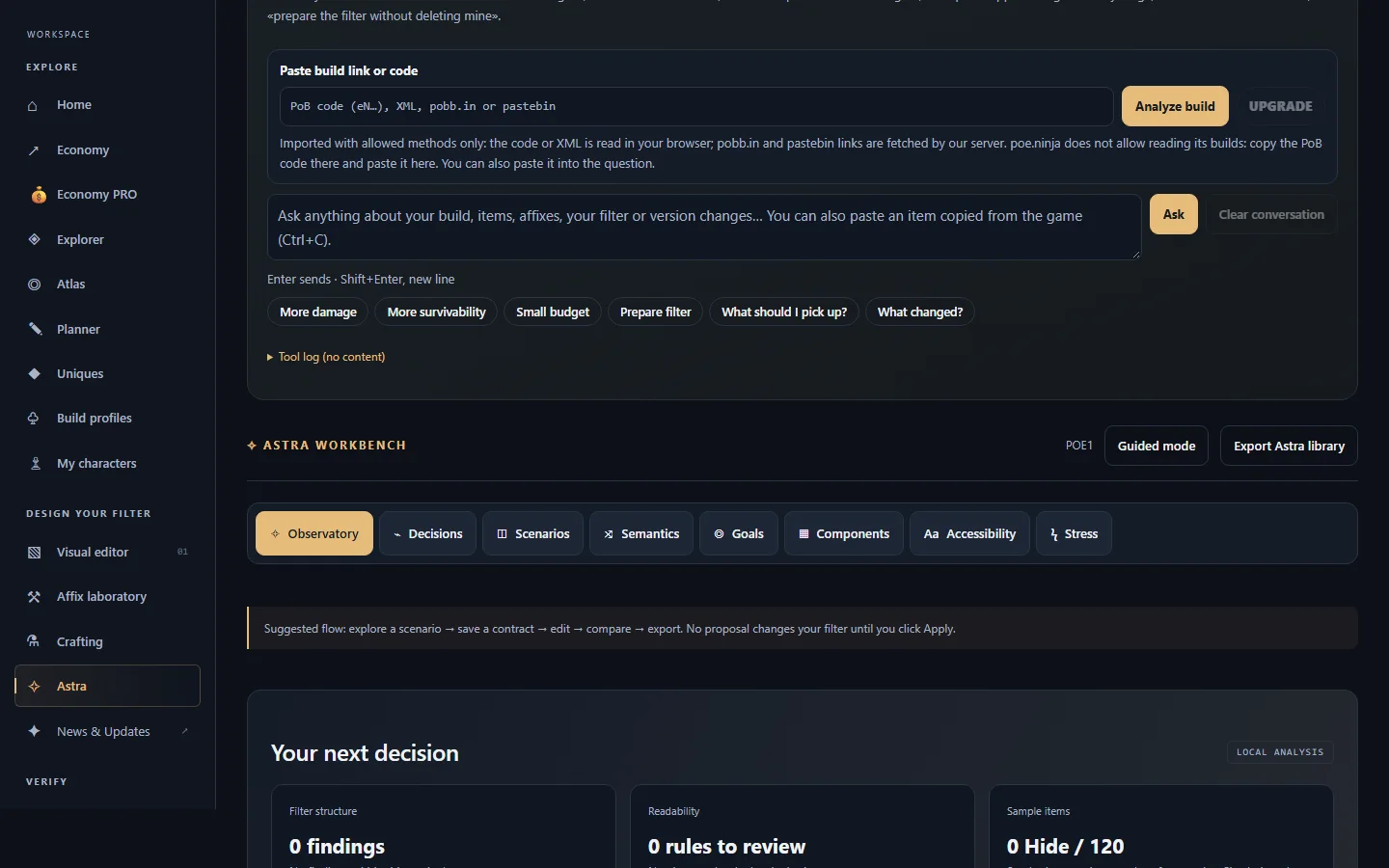
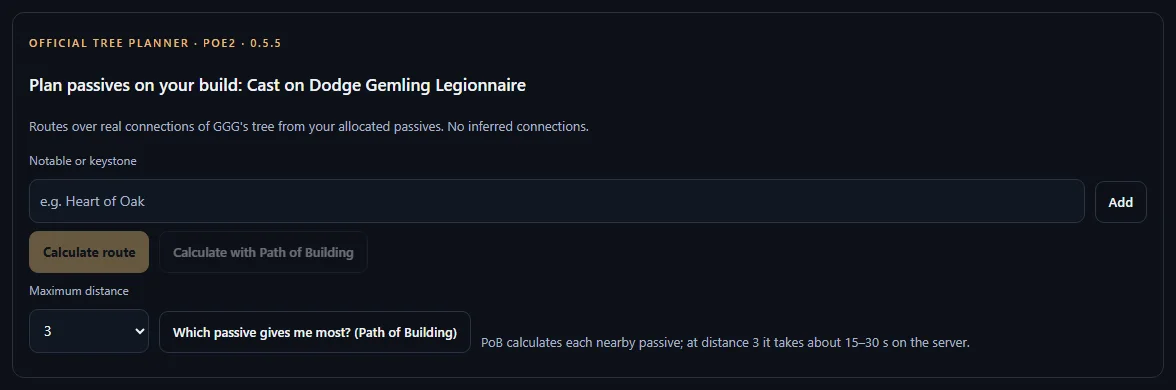
Tutorial · PoE1 or PoE2With a PoB build: import, analyze, improve and filter6 steps with real captures of EXILEFILTER PRO. Step 1 of 6Step 1 of 6Open «Import and analyze ★», paste the PoB code and press «Analyze build».Open tool: Builds · import →Step 2 of 6Review the targets and press «Generate filter from this build».Step 3 of 6In step 4, «Apply group to the editor» (it does not delete your rules) or «Download .filter».Step 4 of 6Ask Astra «More damage» or «More survivability»: it uses your build's values and, when available, Path of Building calculations.Open tool: Astra →✦Step 5 of 6Paste an item into the question to see what changes if it replaces your piece.Step 6 of 6In the tree planner, «Which passive gives me most? (Path of Building)». ← PreviousNext → Real capture of EXILEFILTER PRO (2026-11-11).